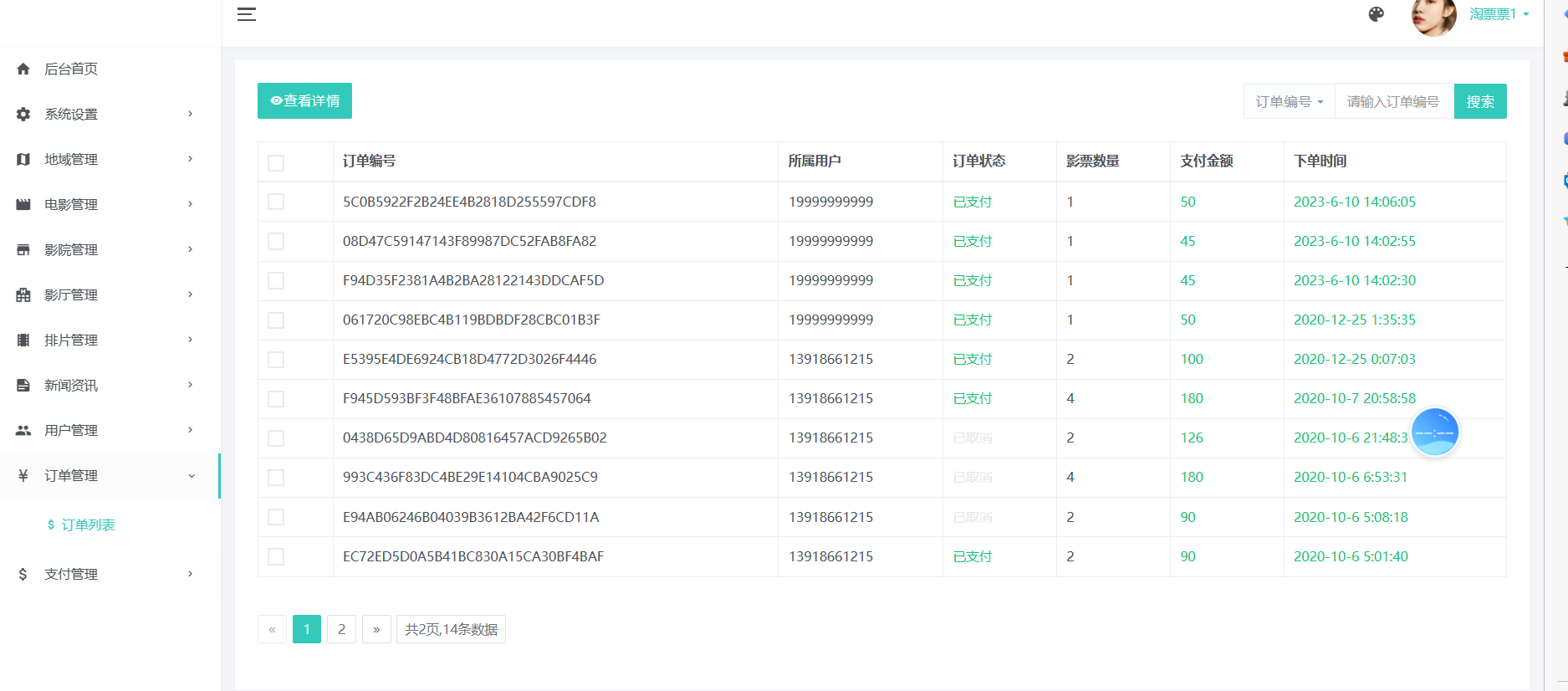
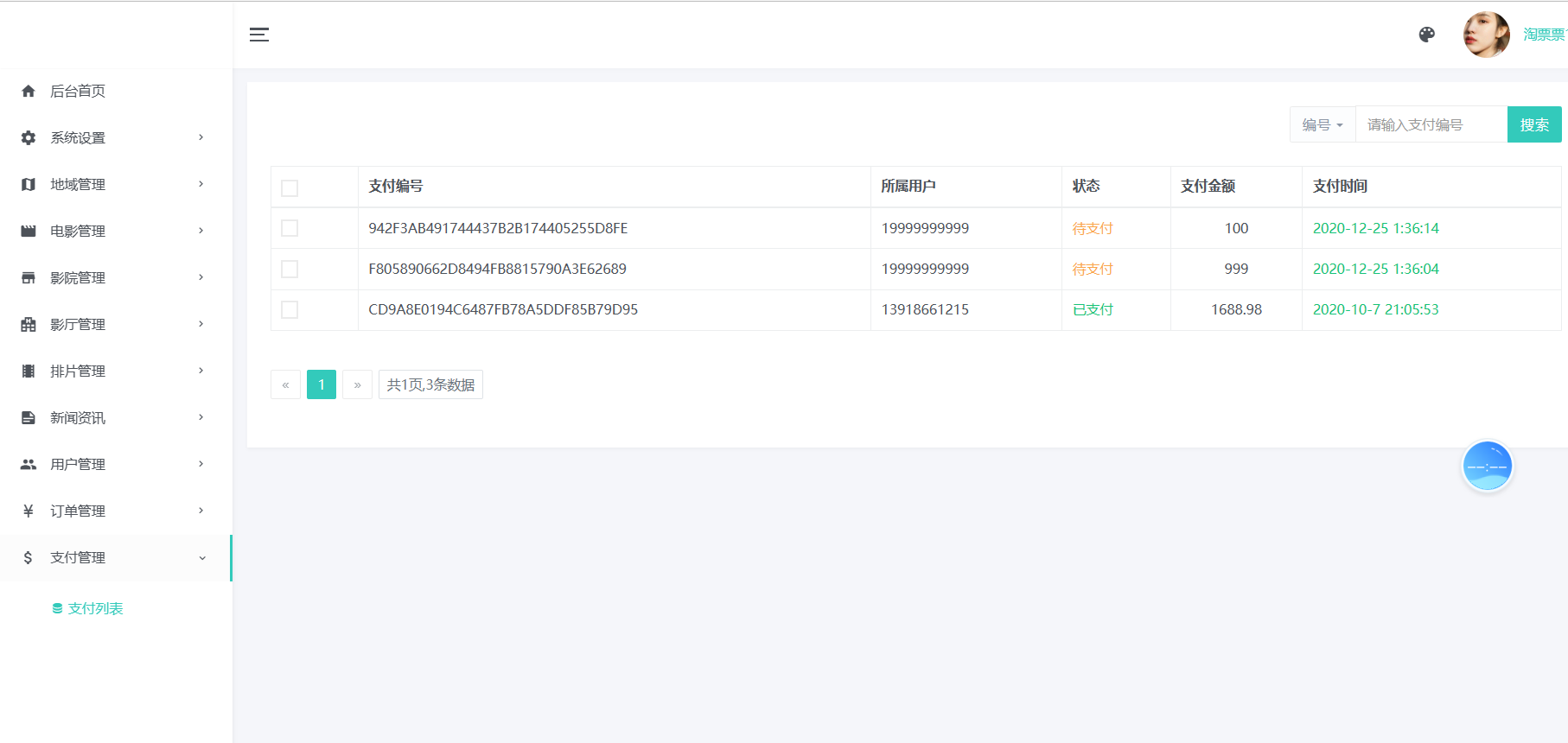
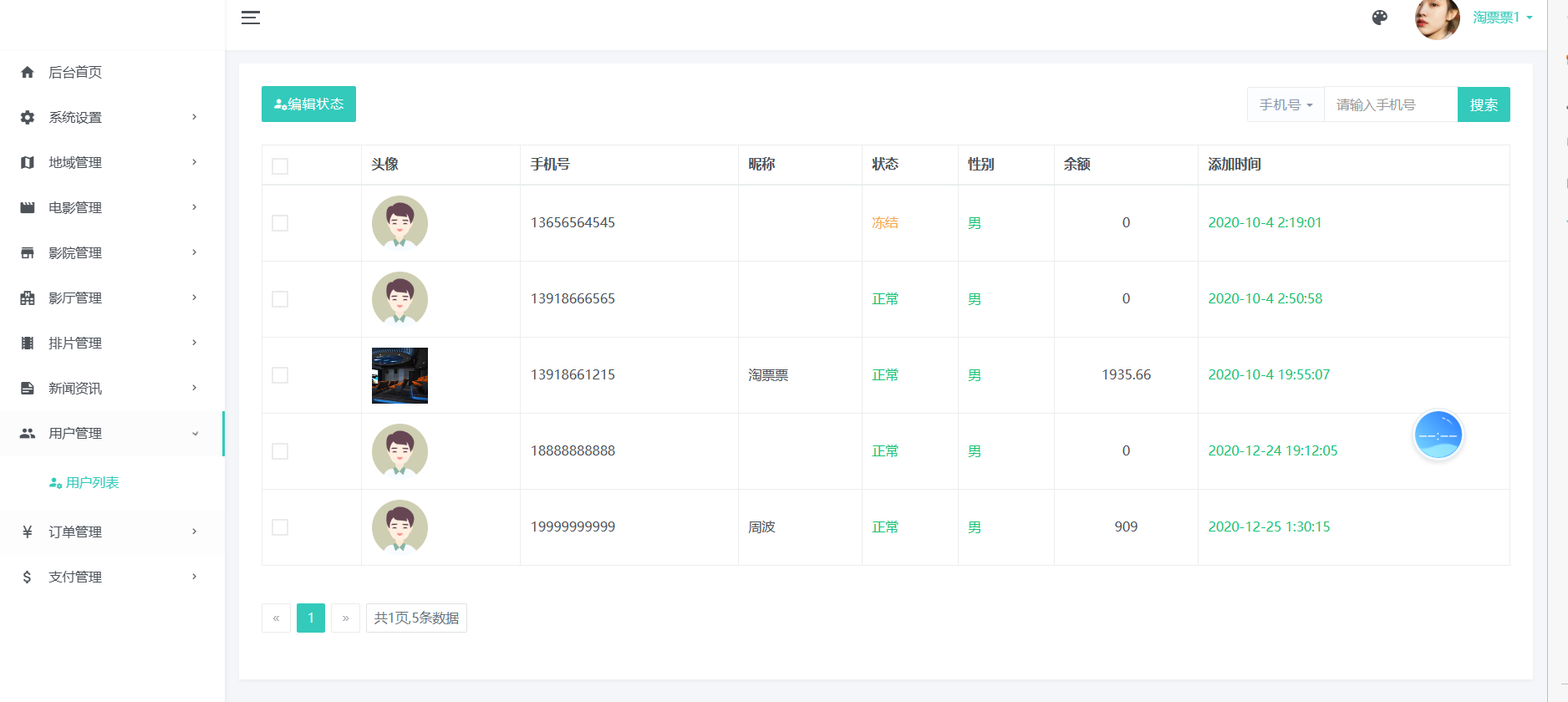
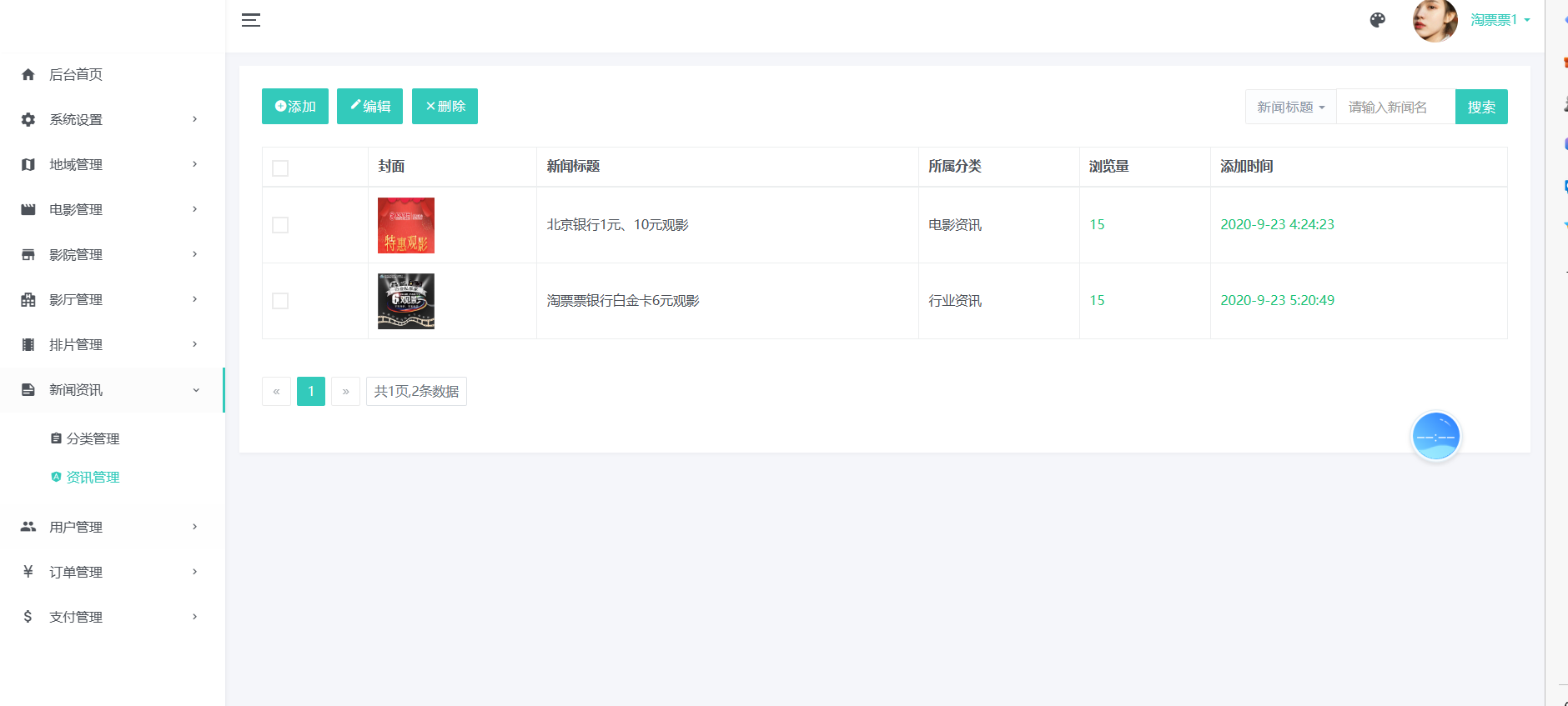
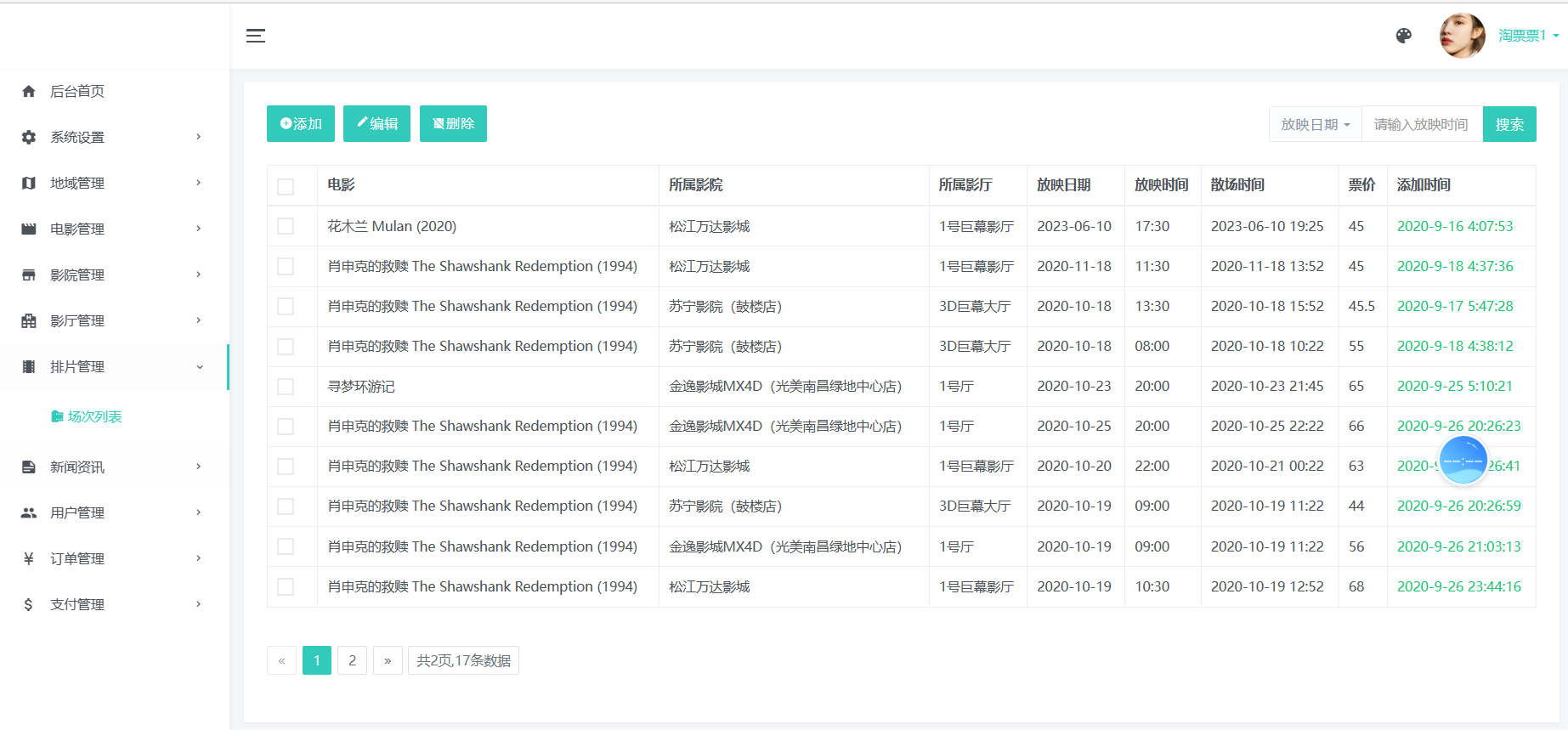
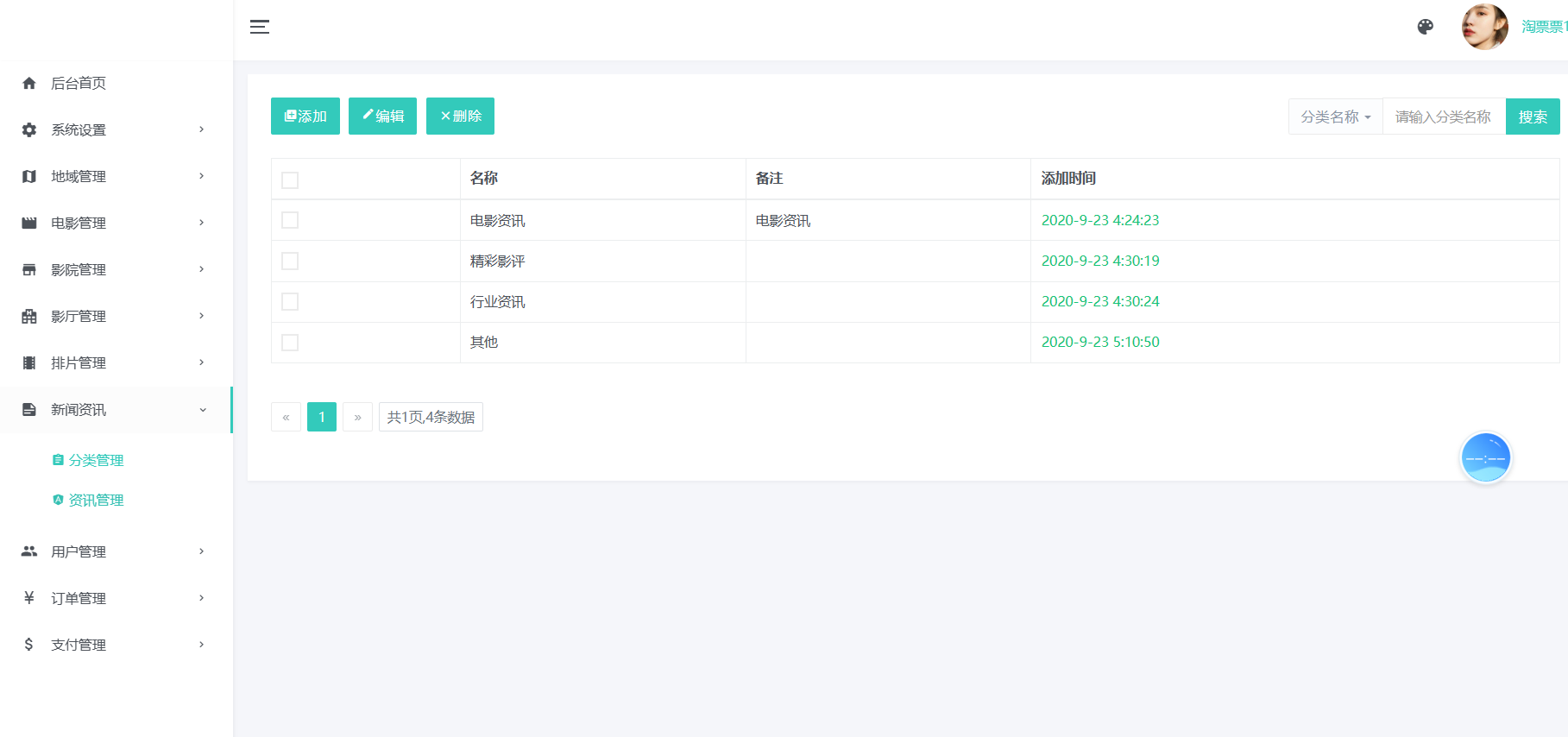
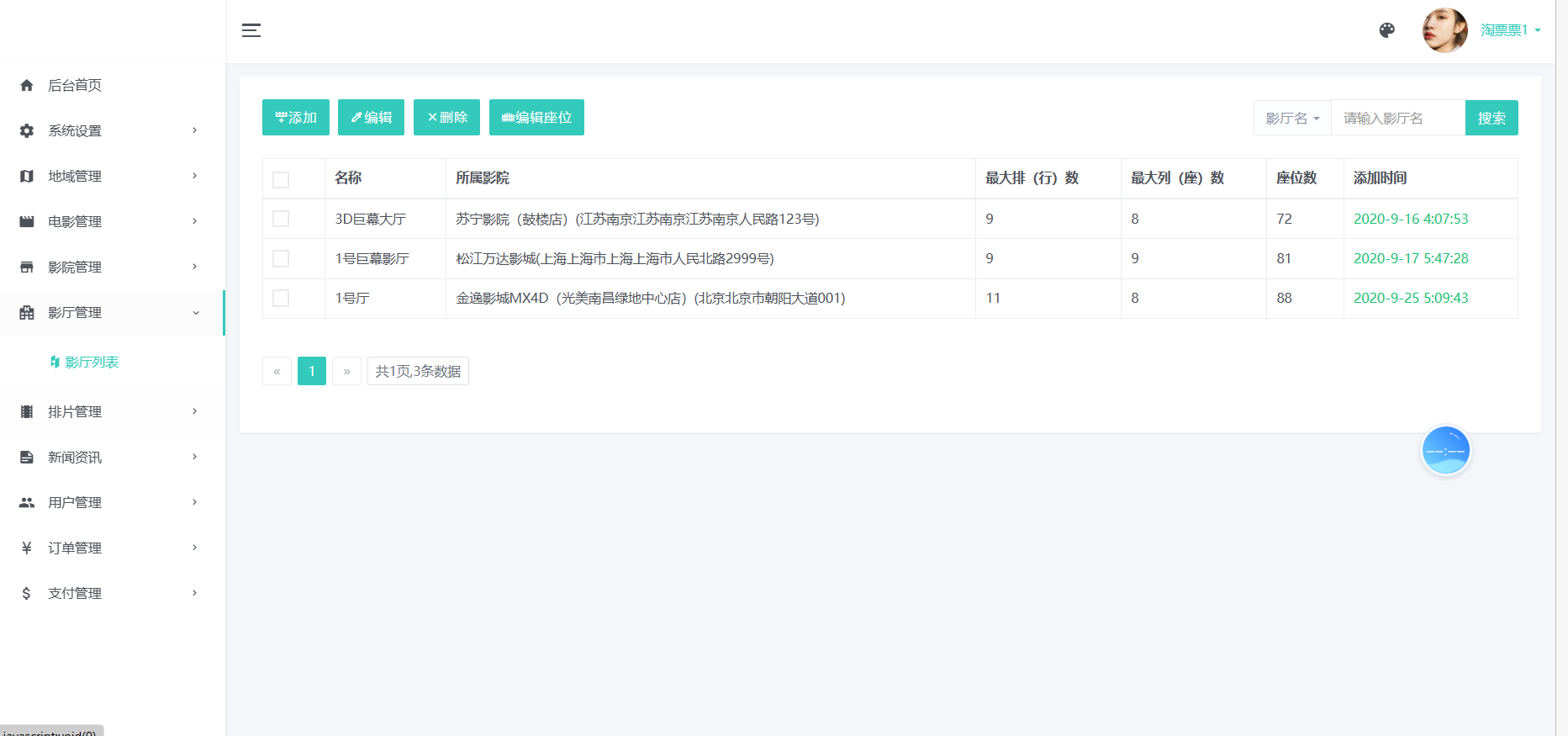
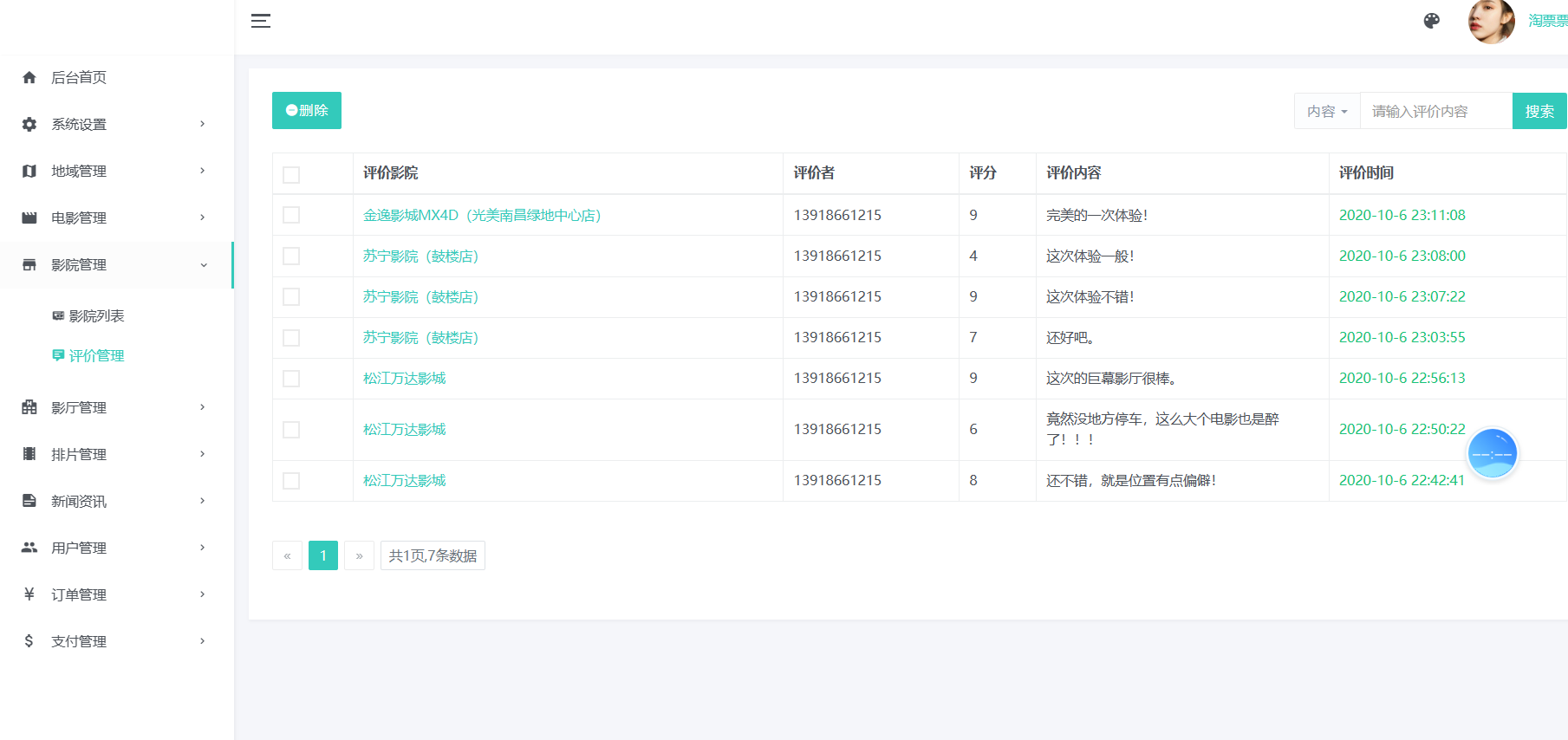
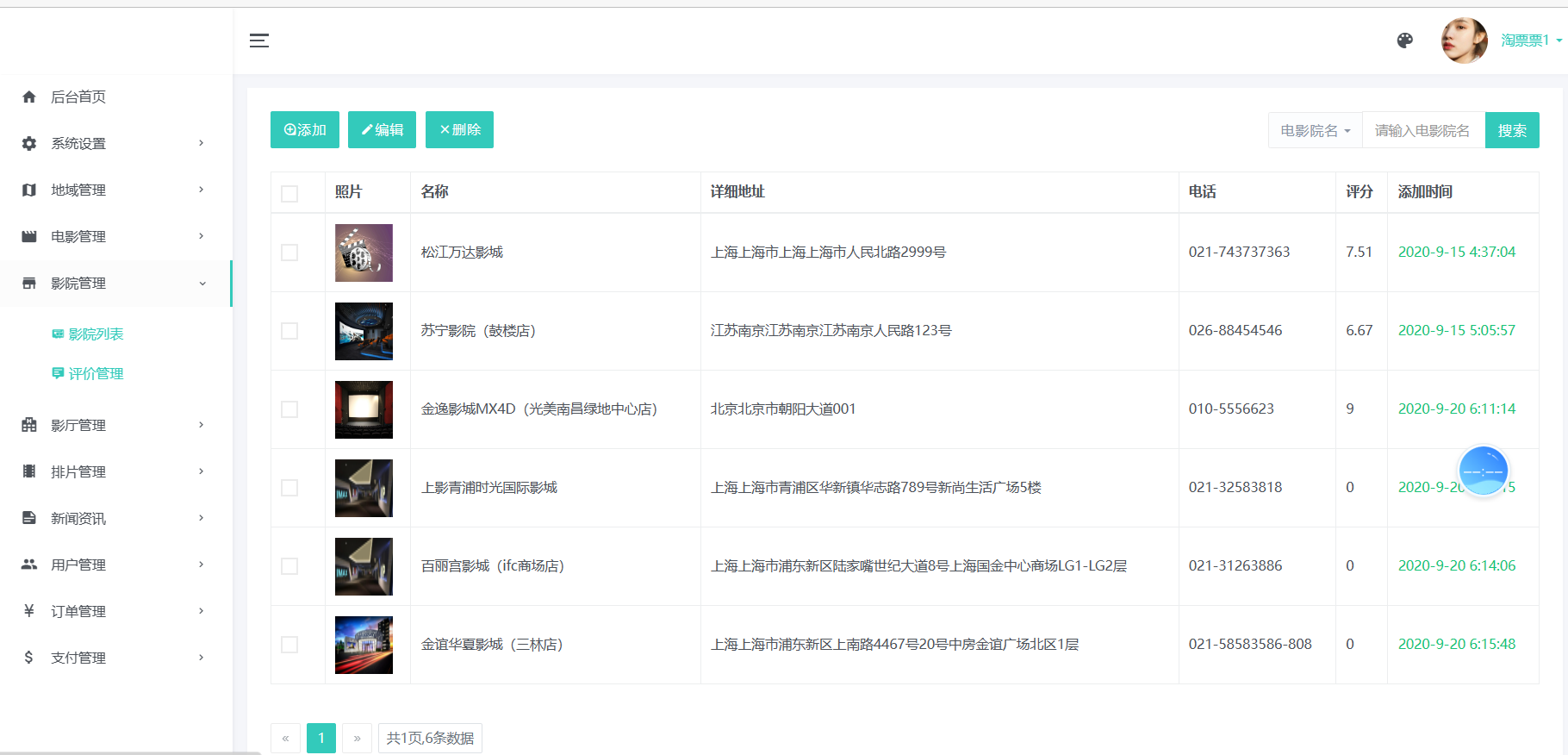
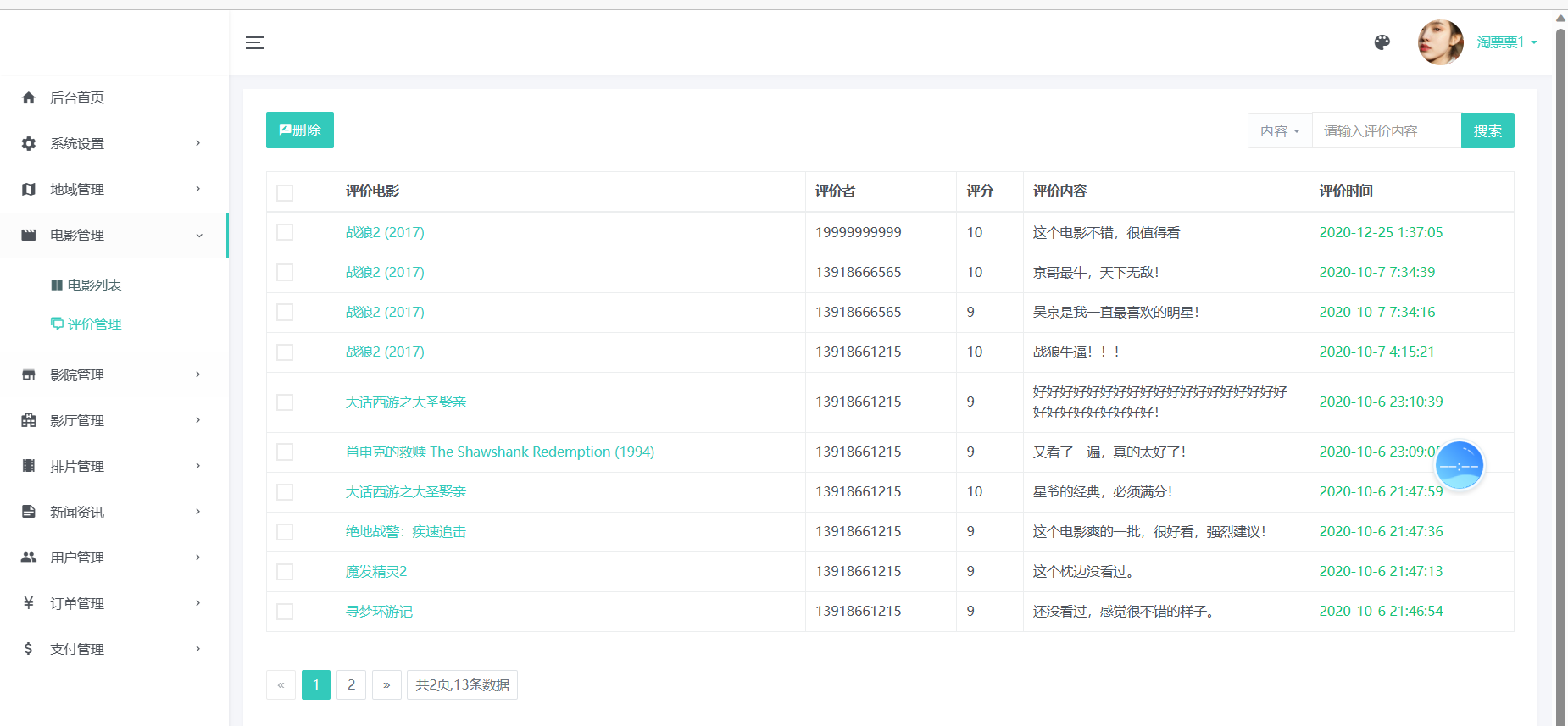
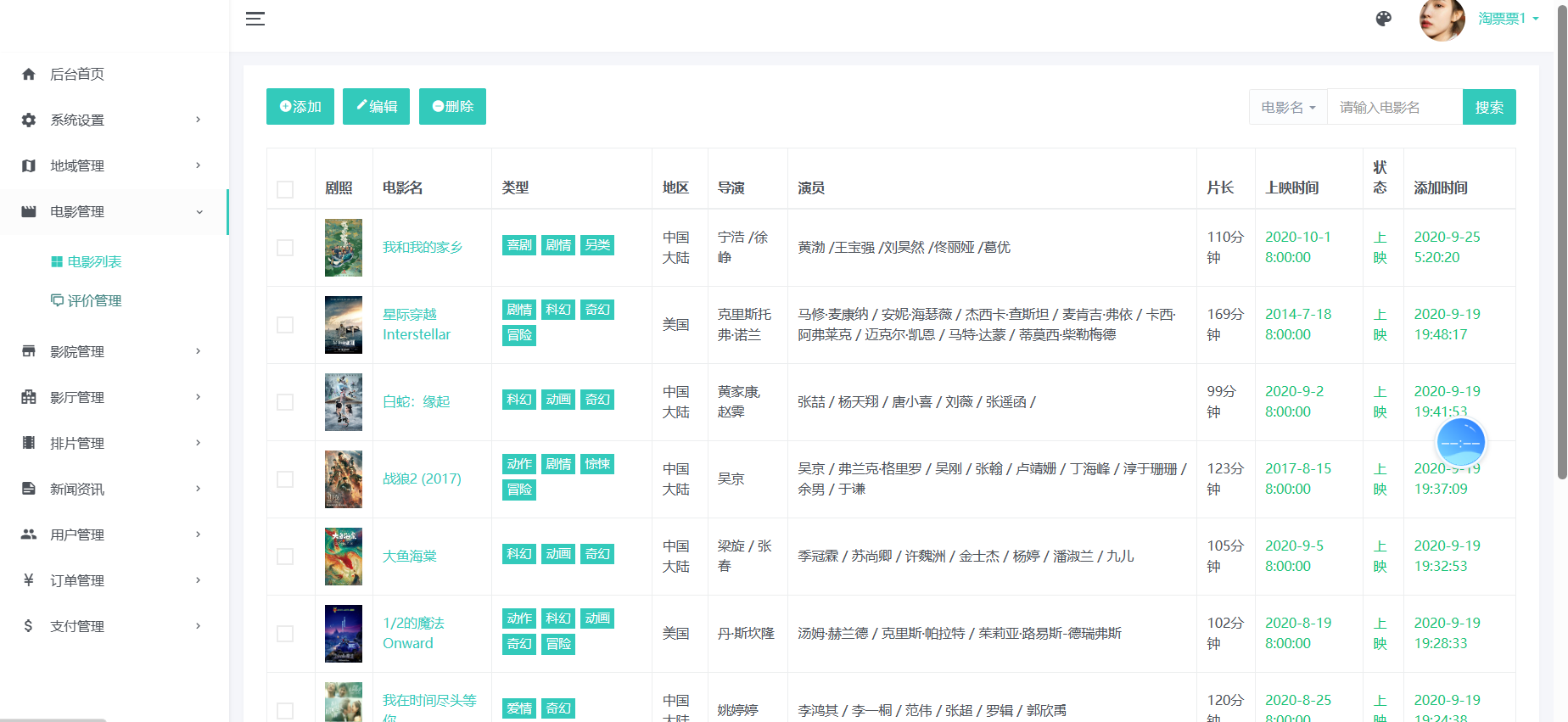
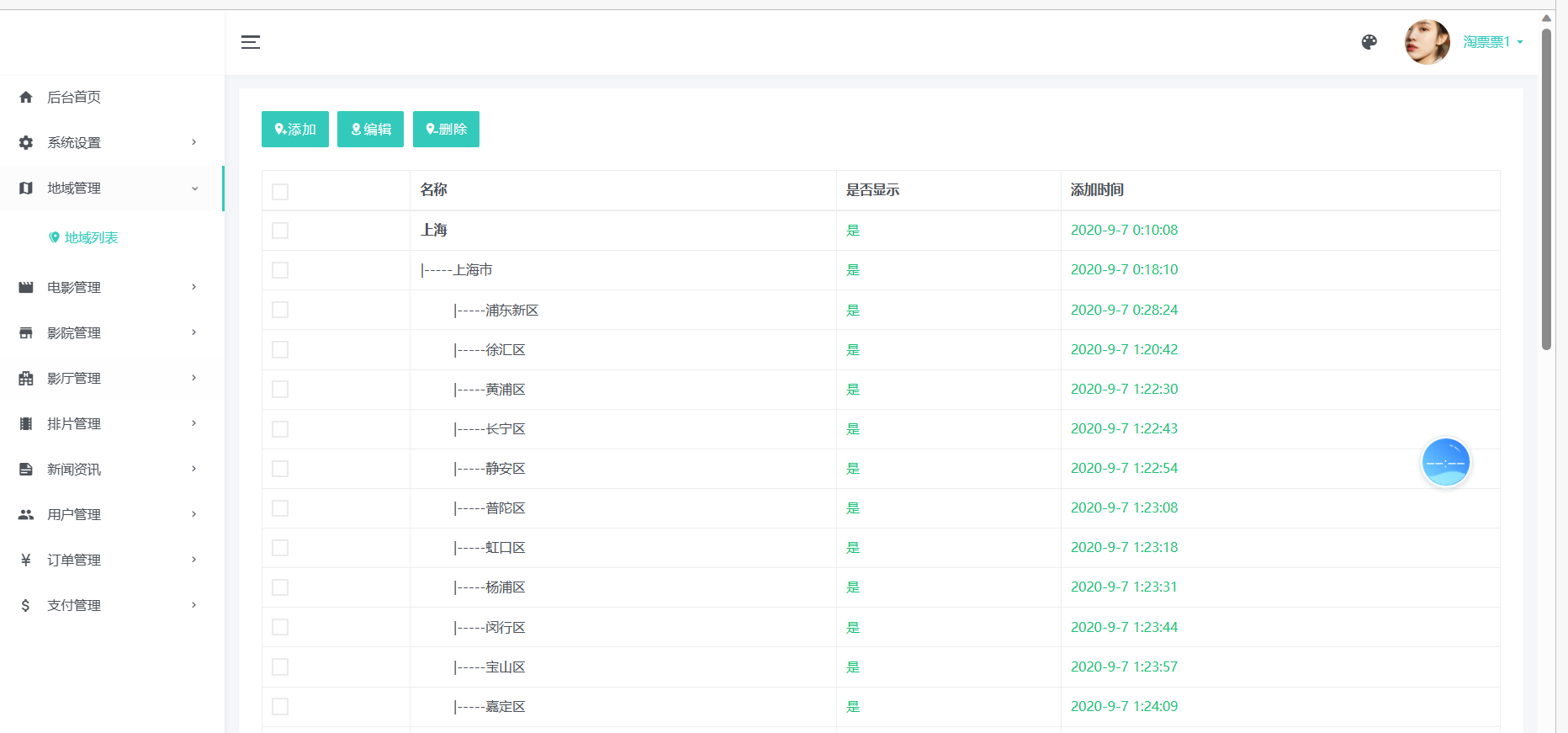
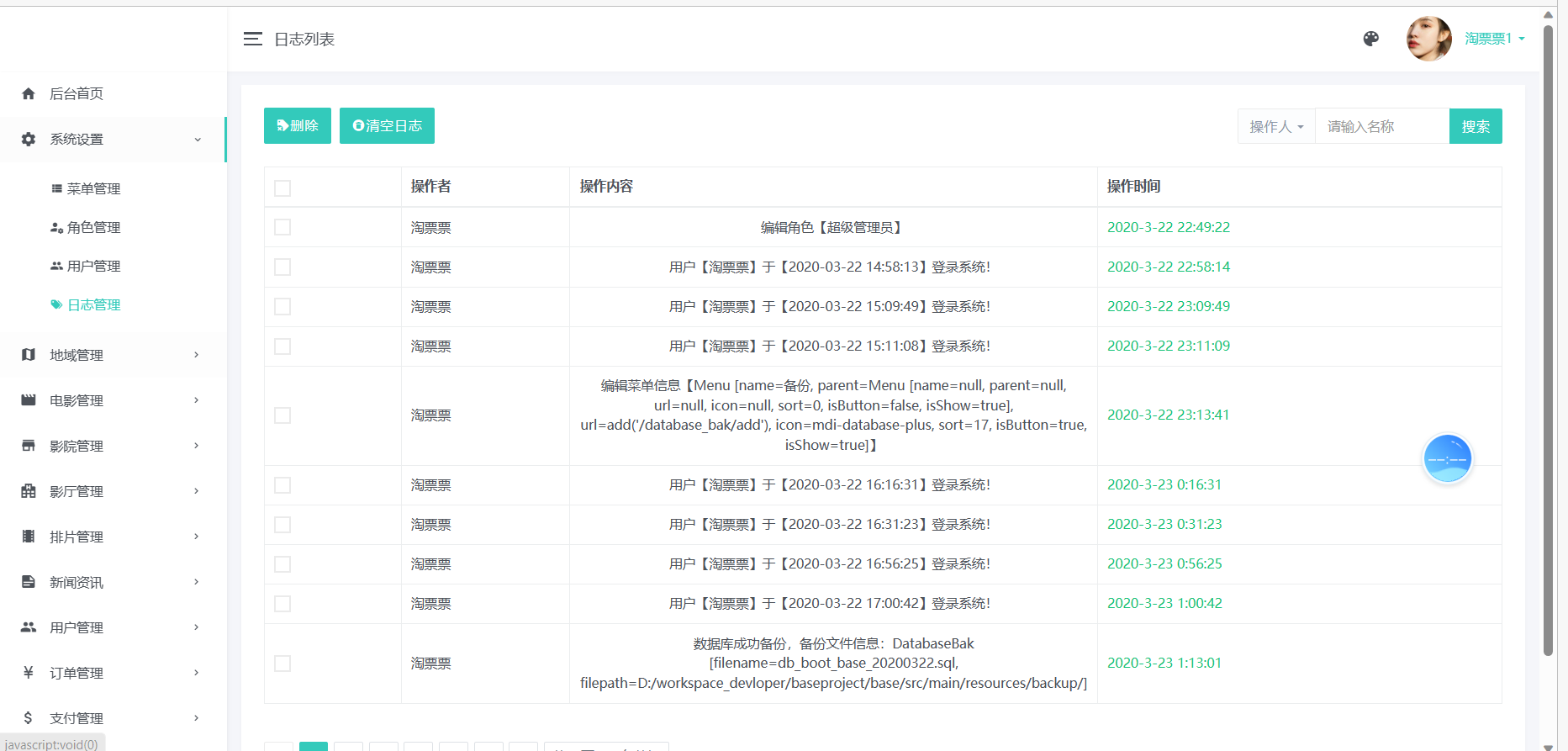
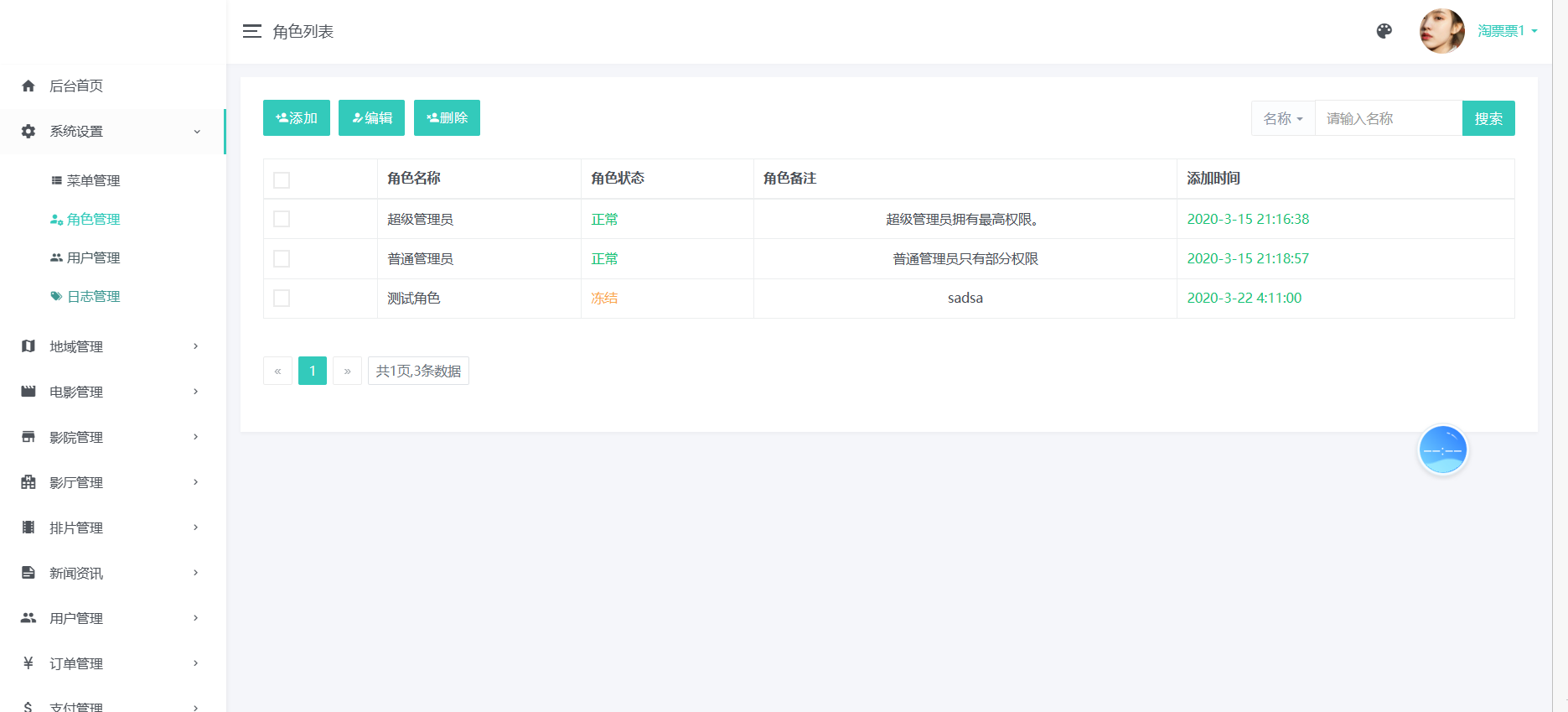
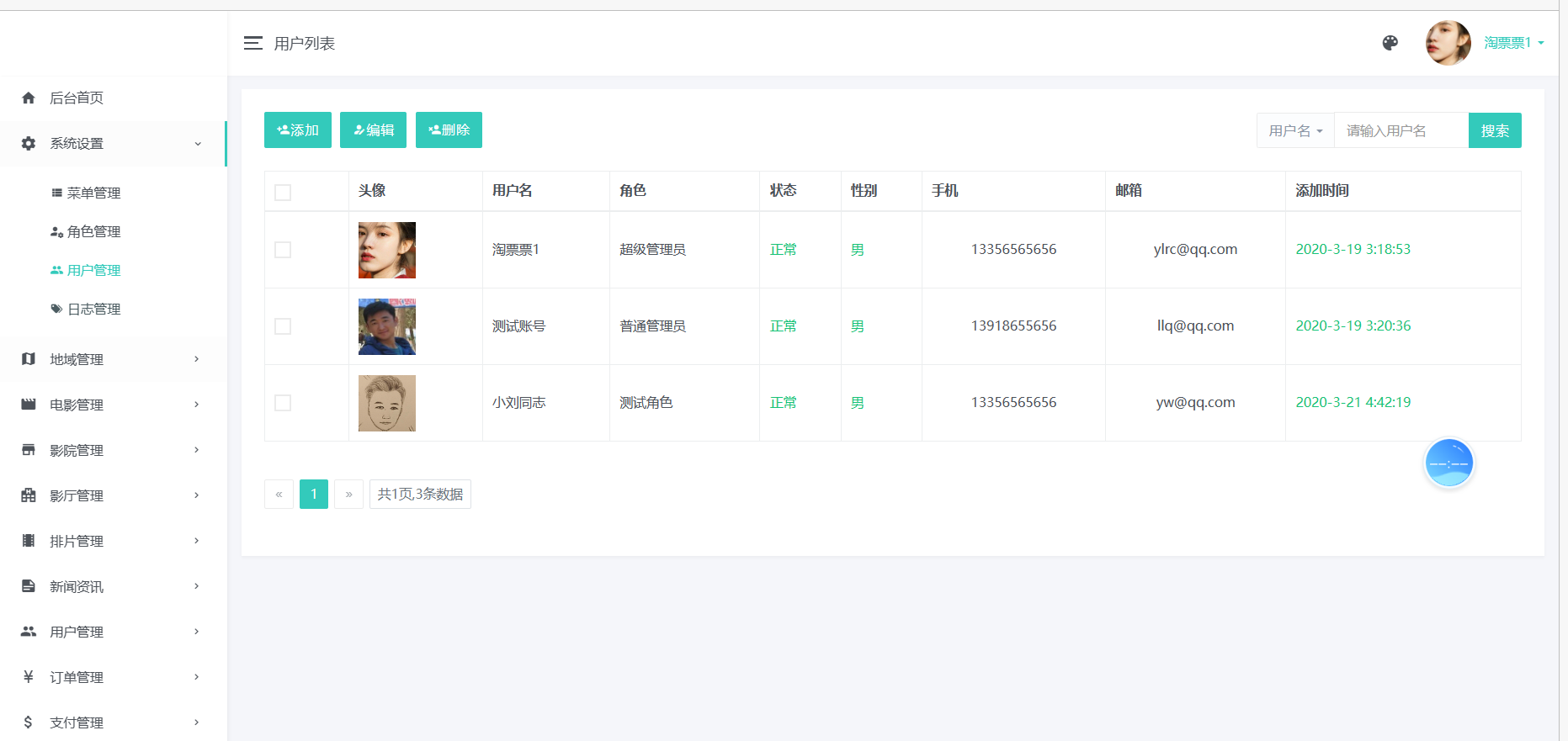
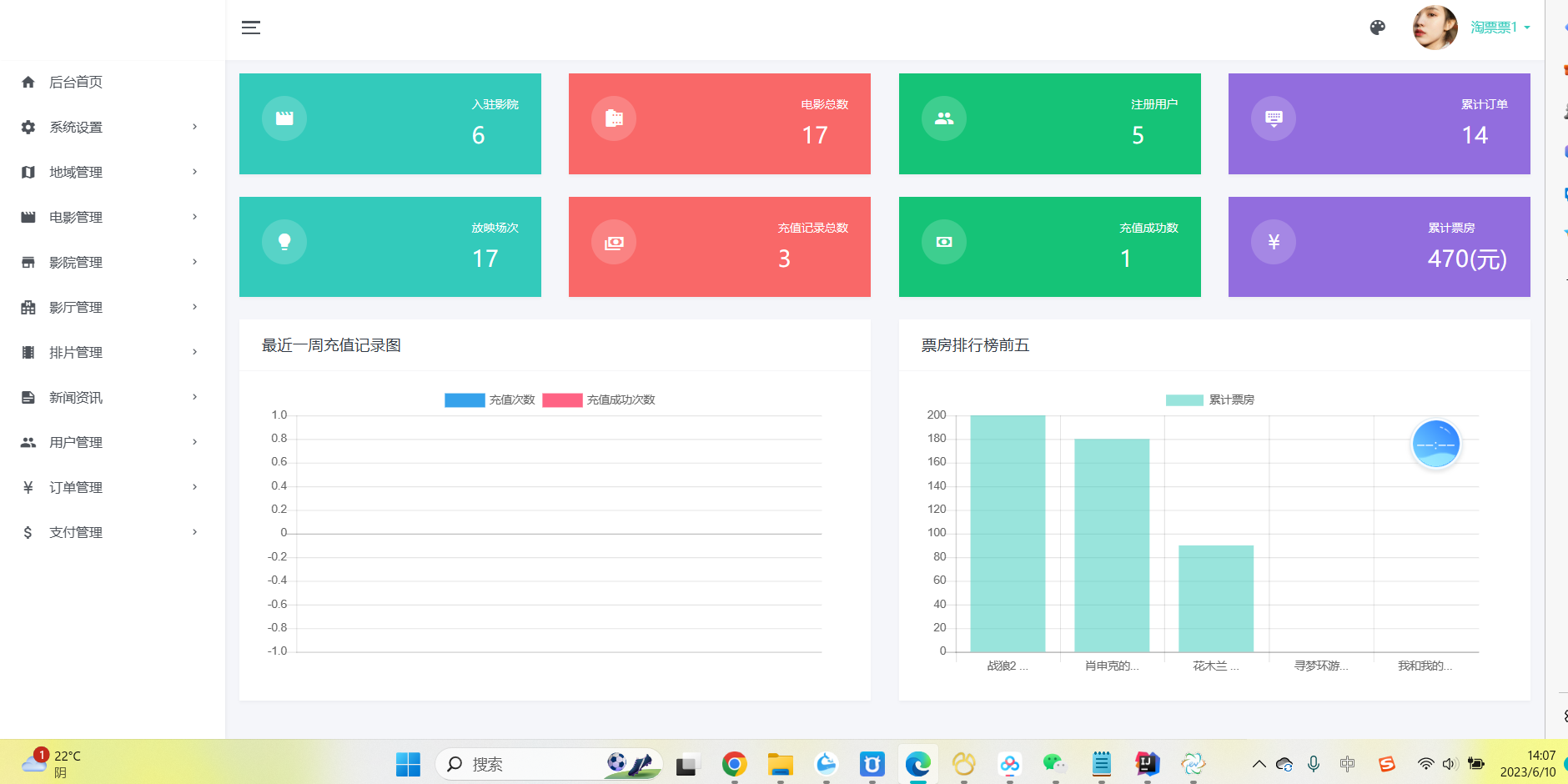
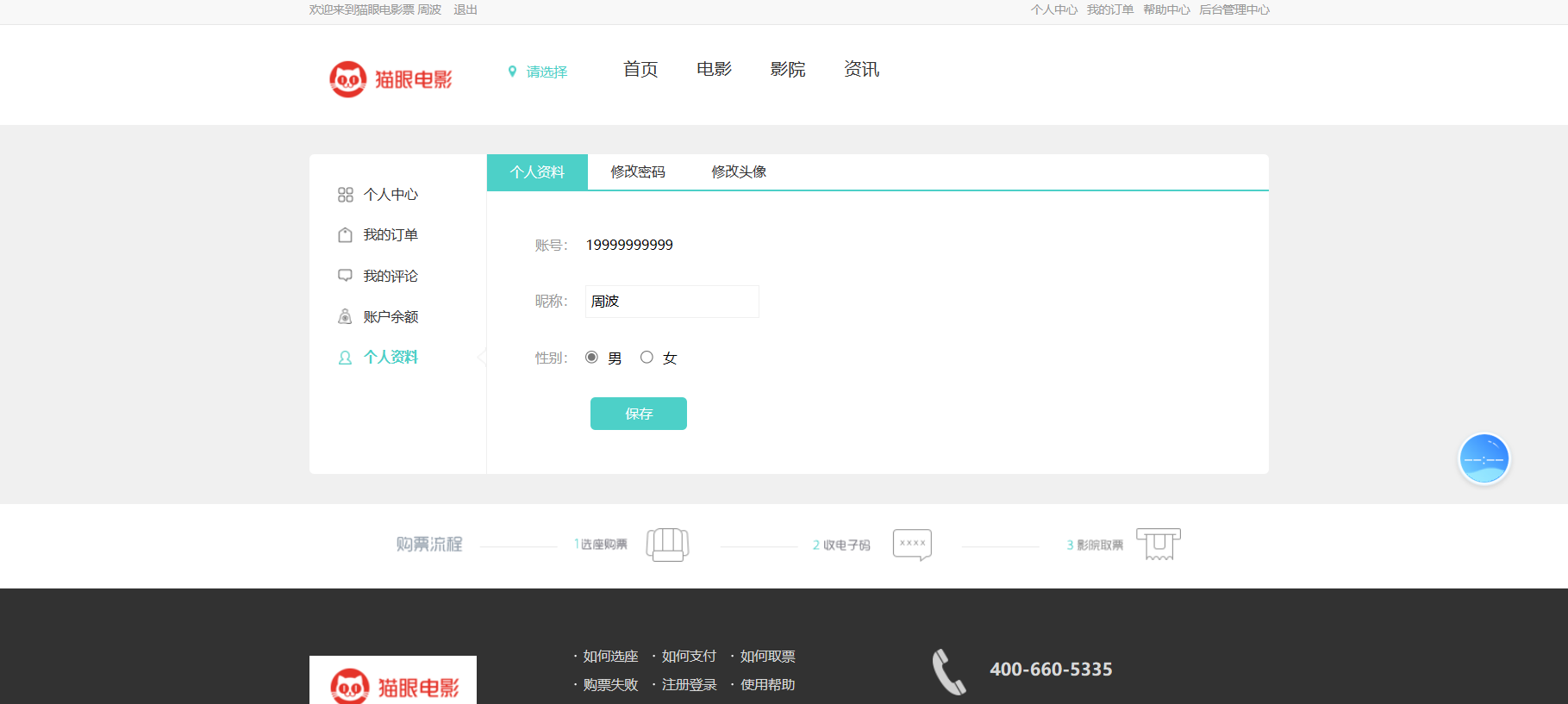
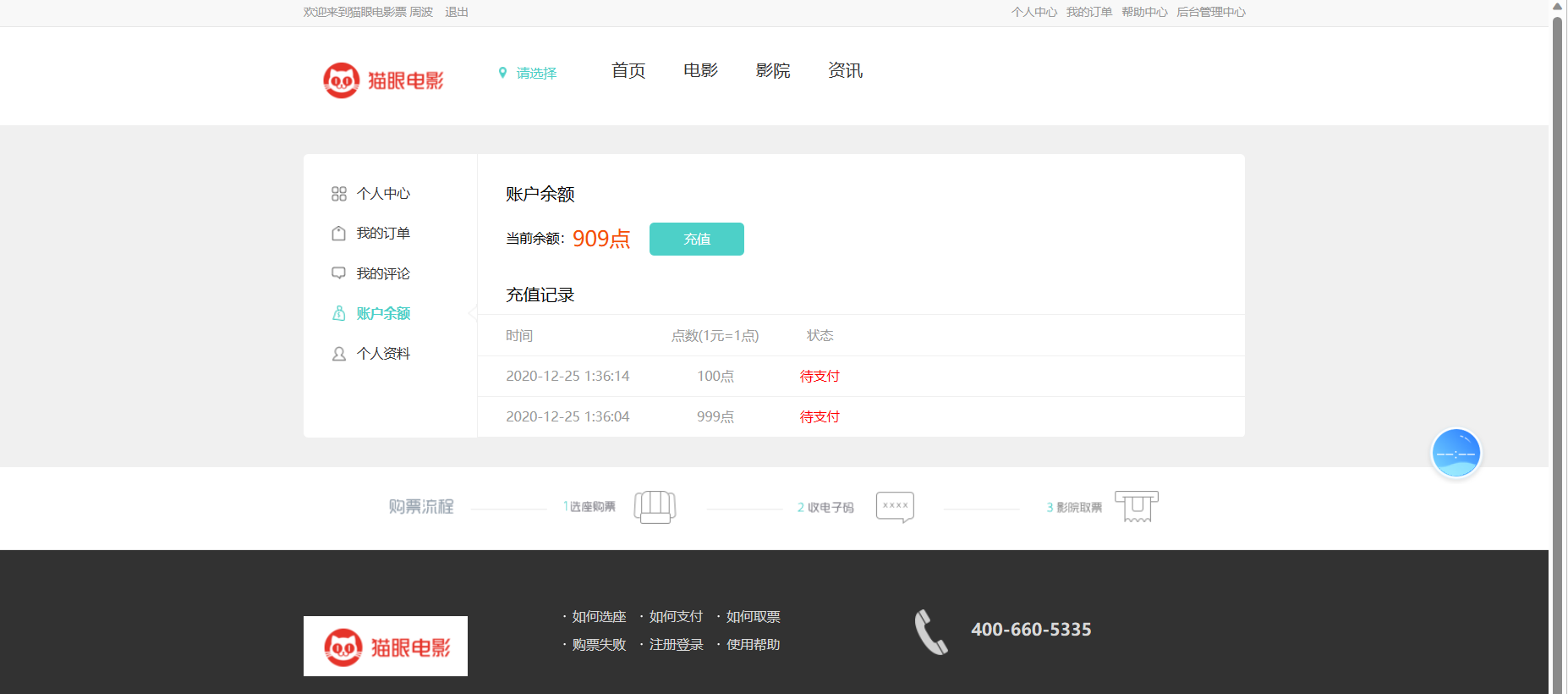
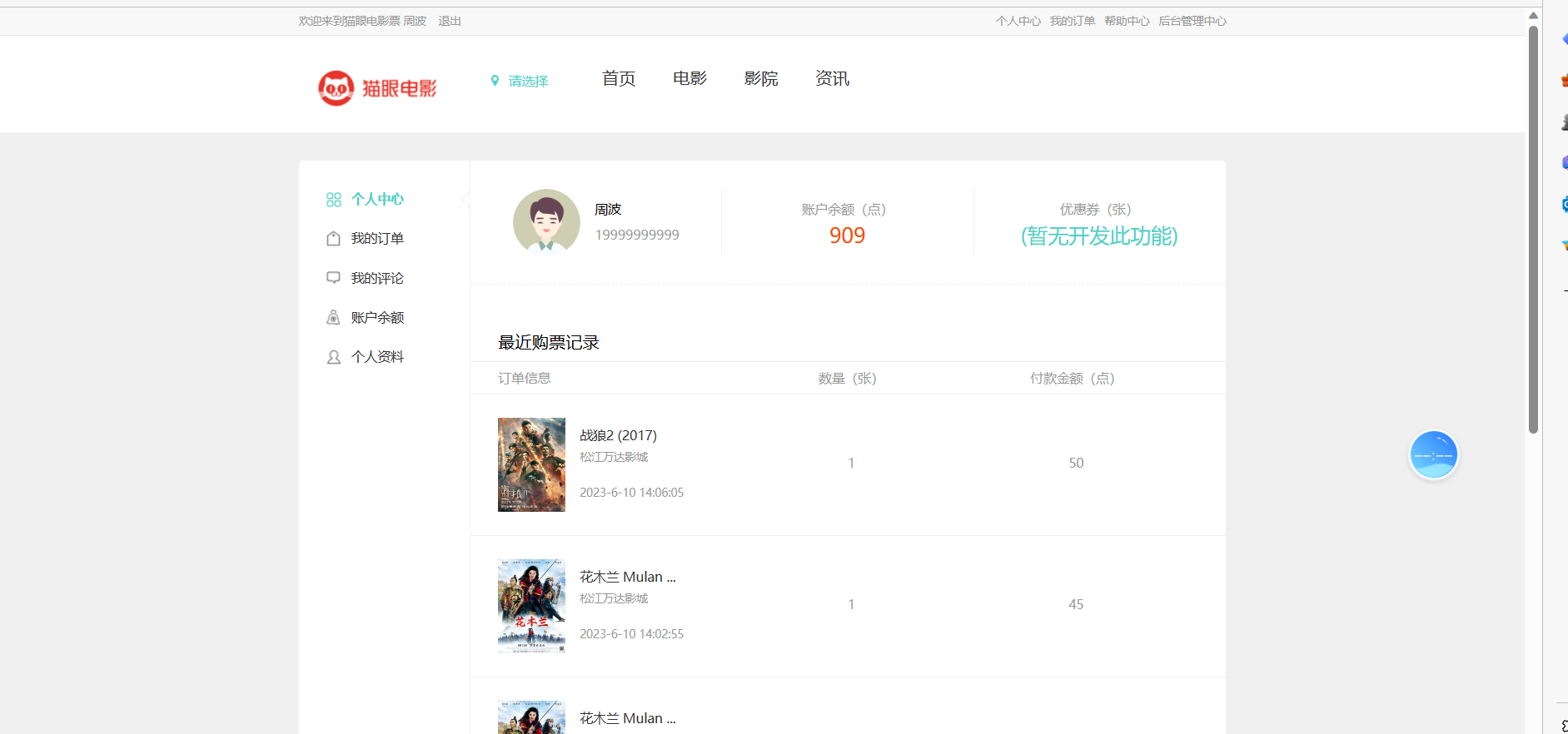
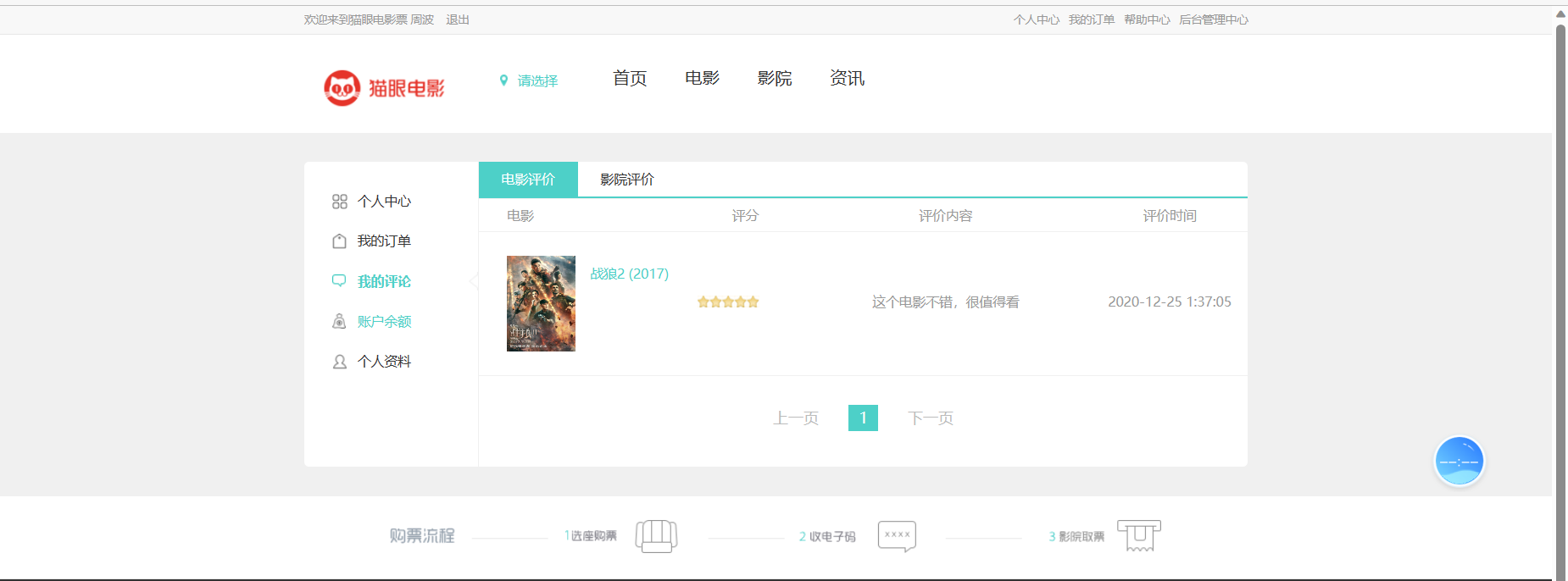
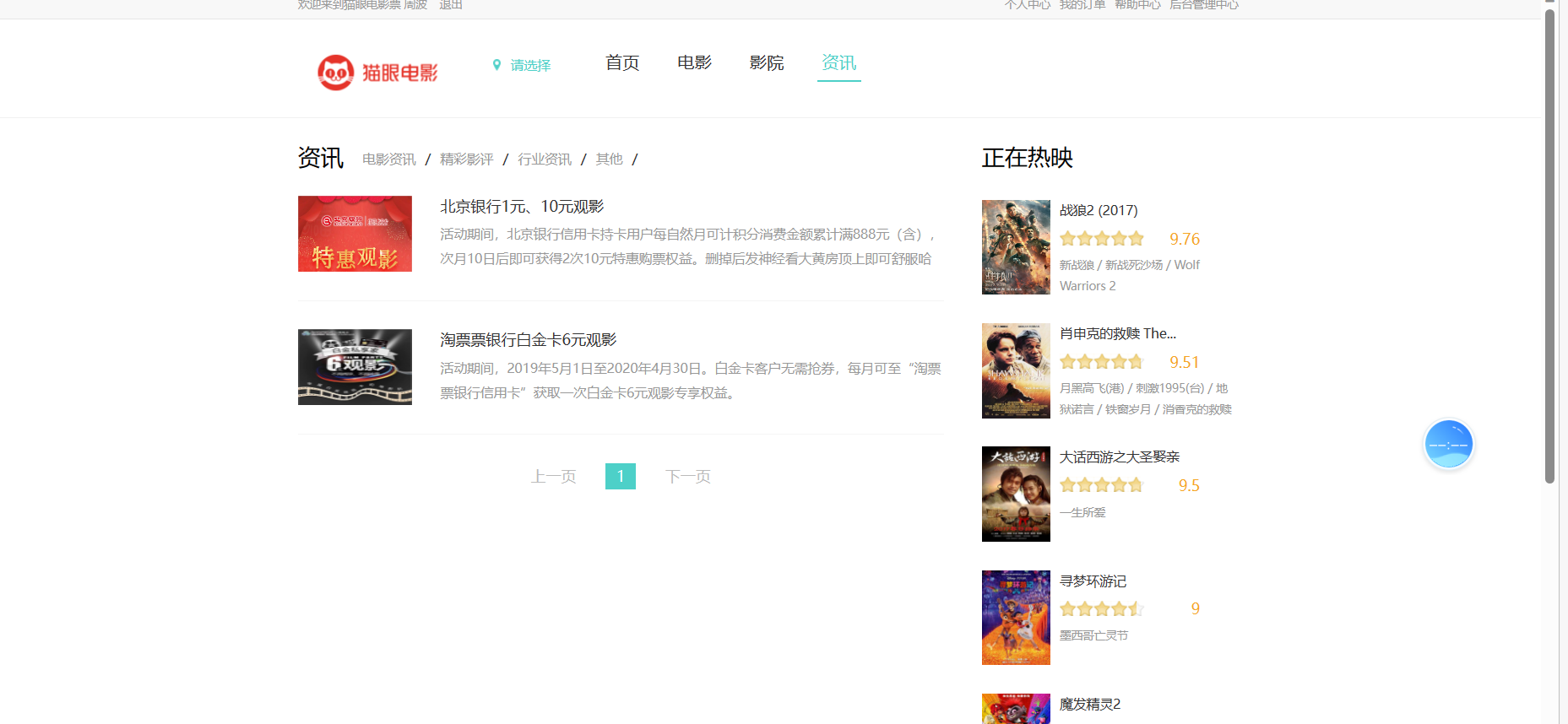
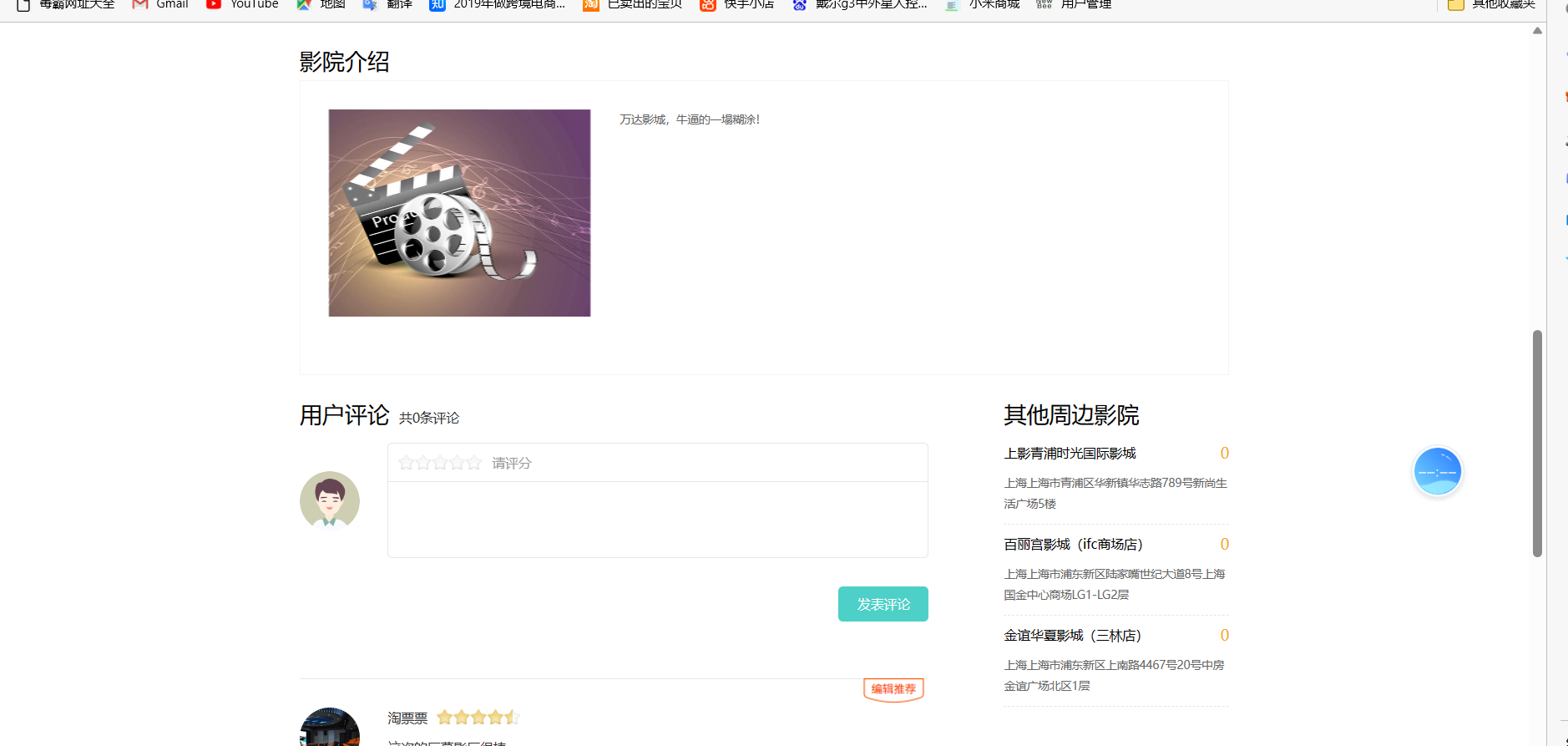
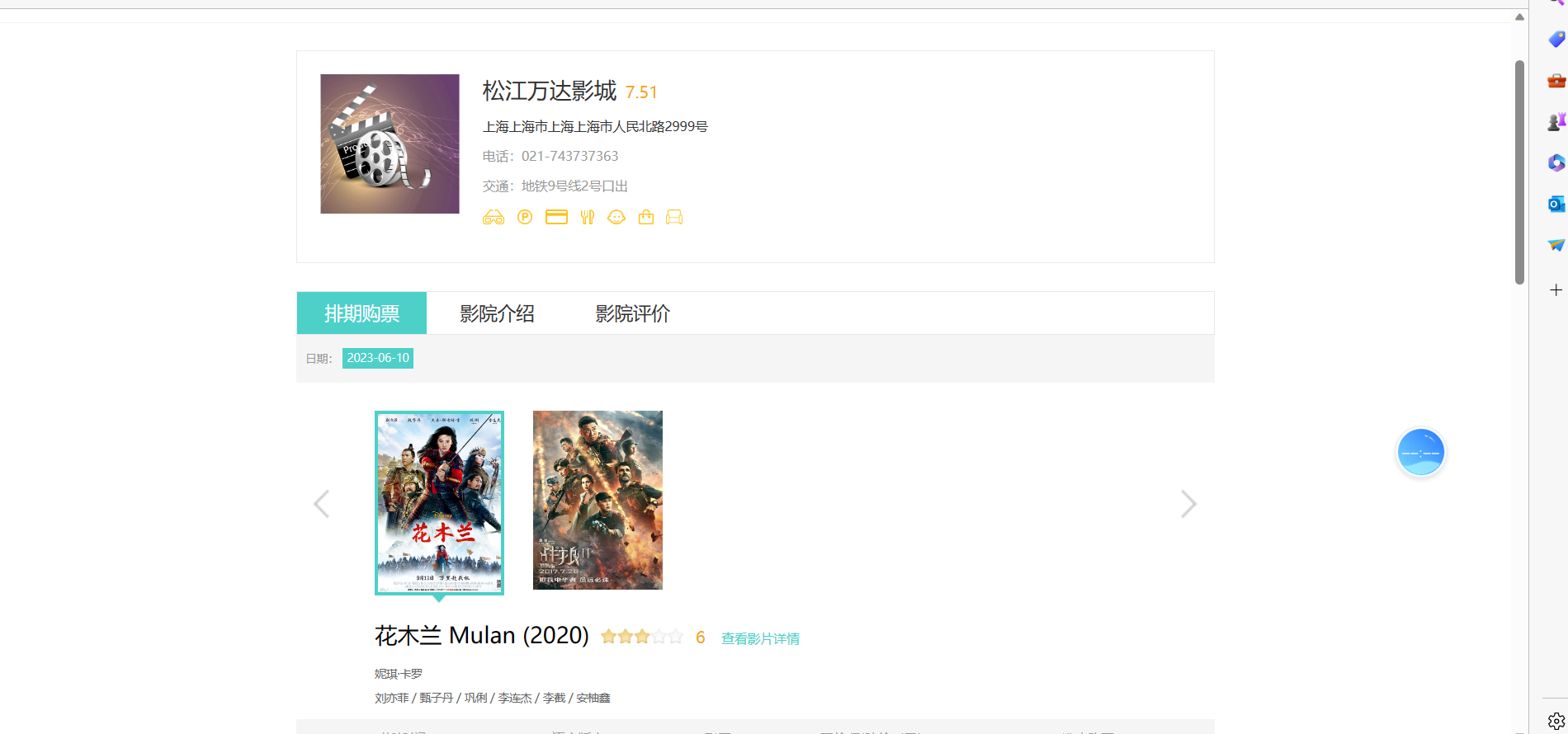
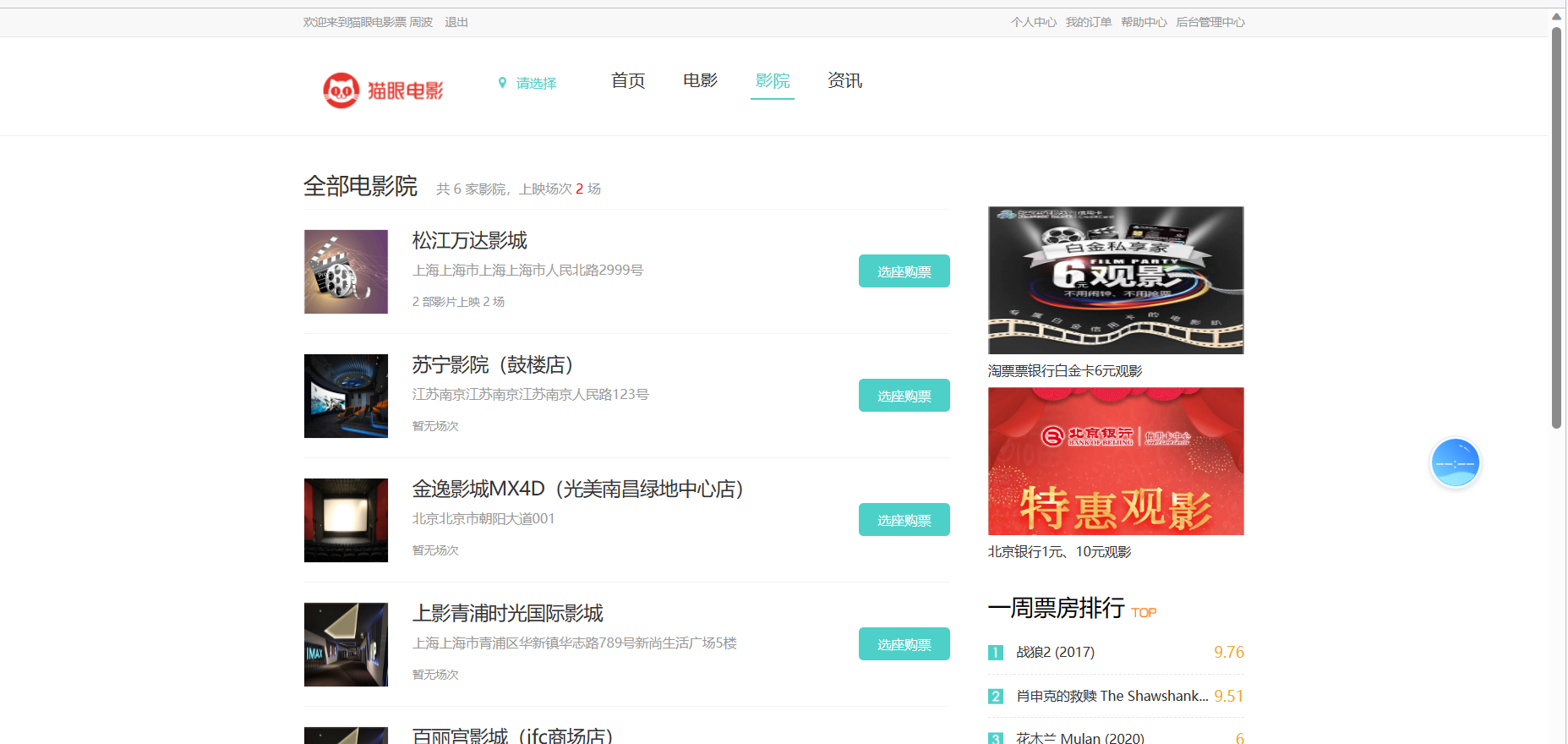
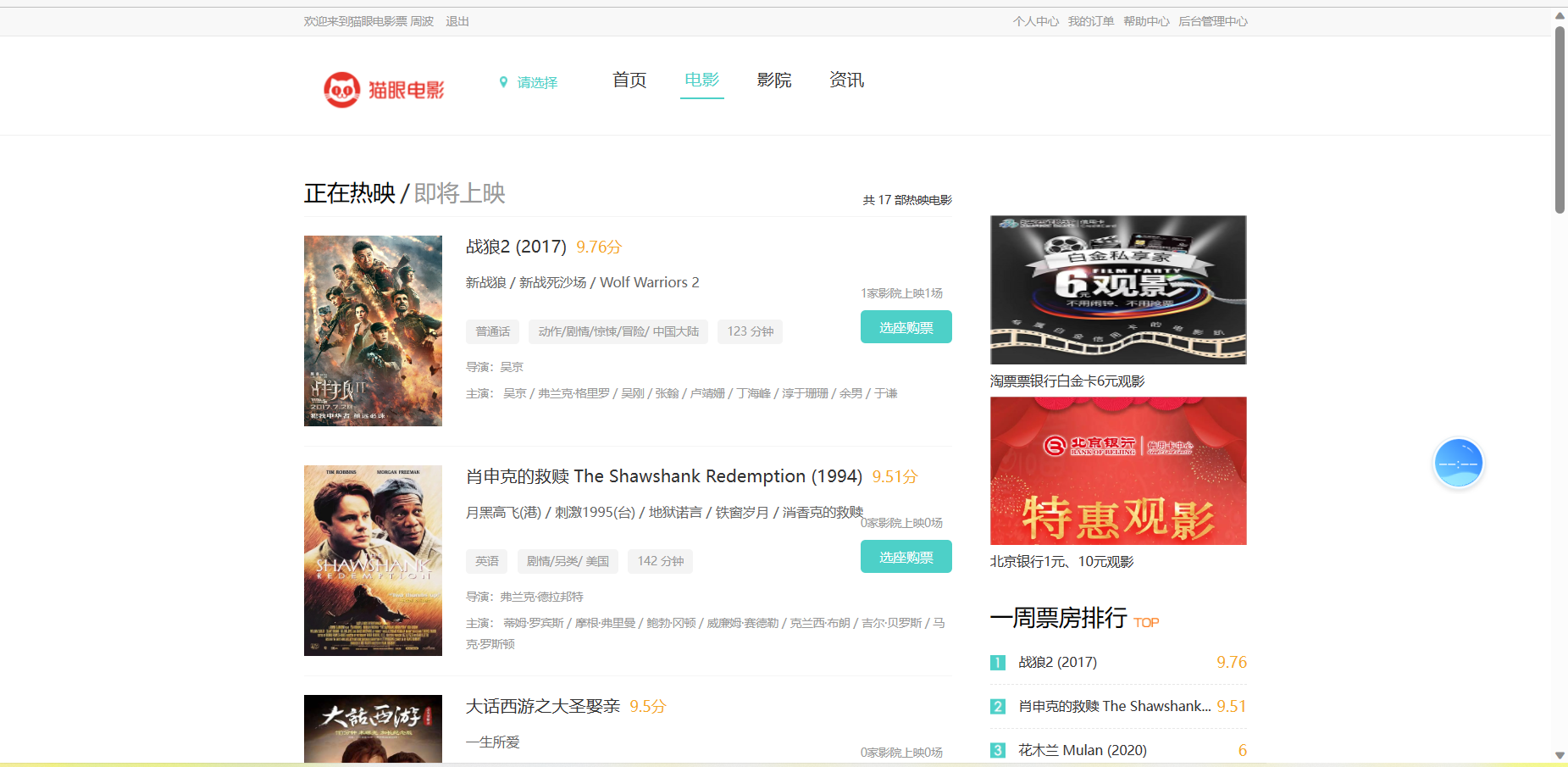
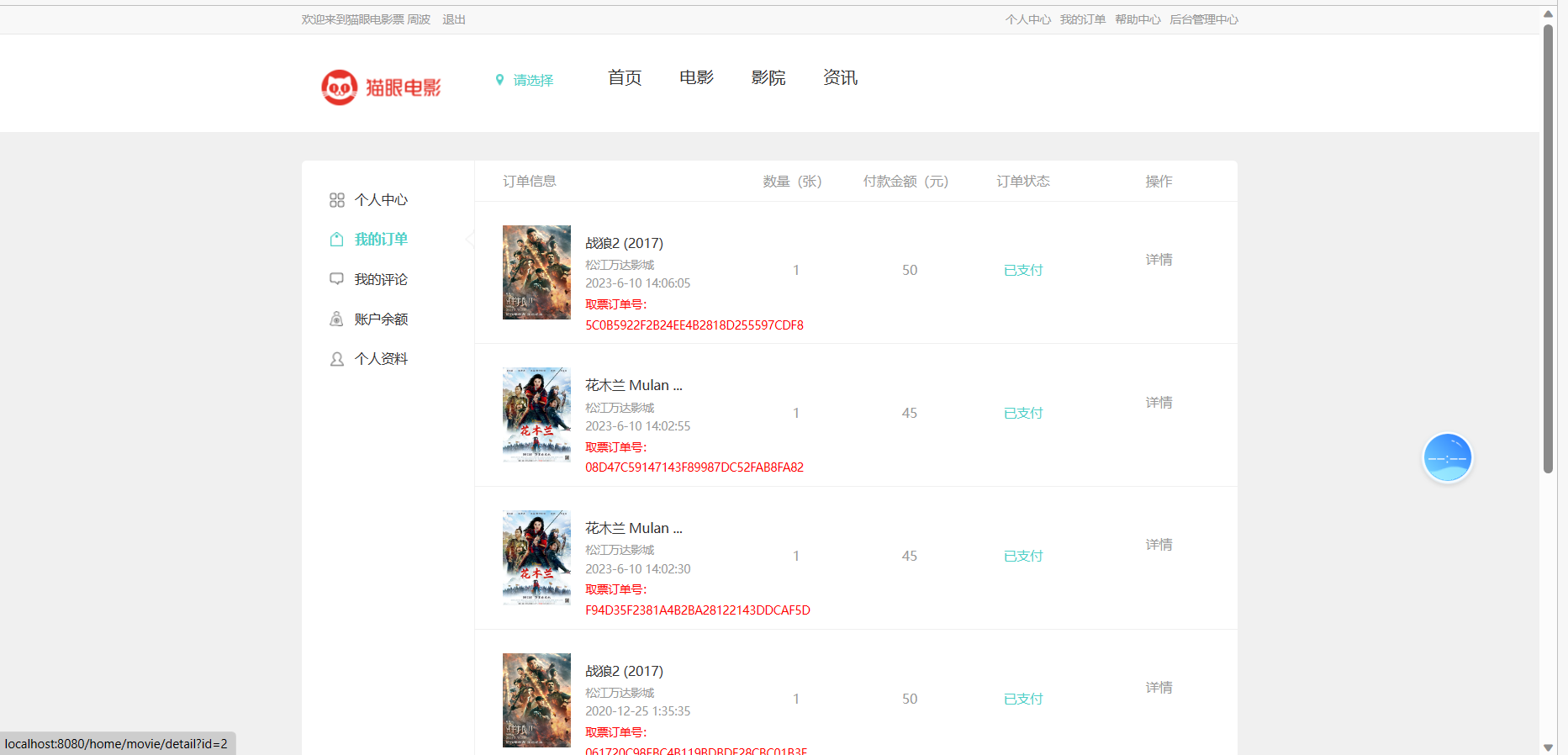
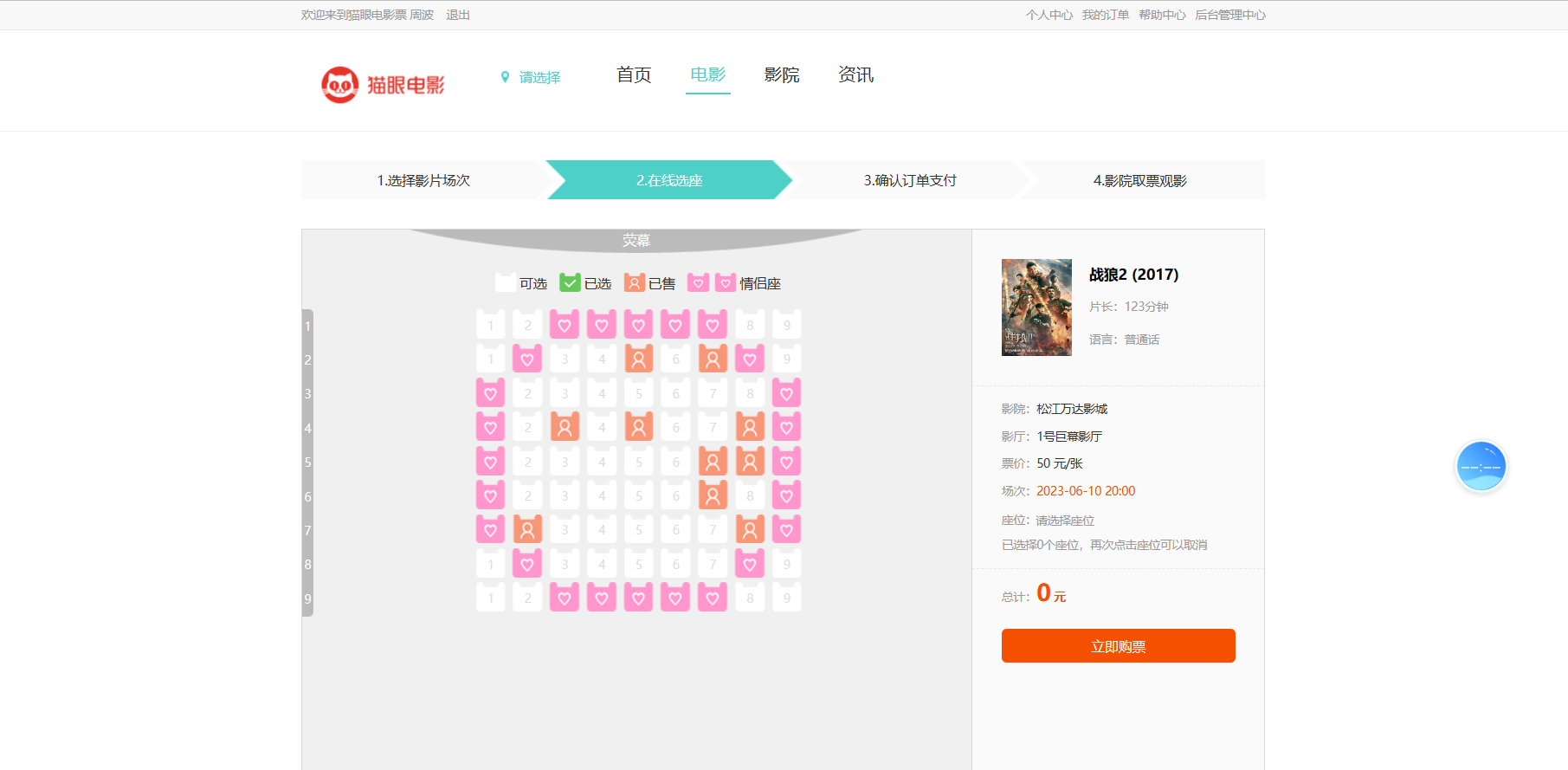
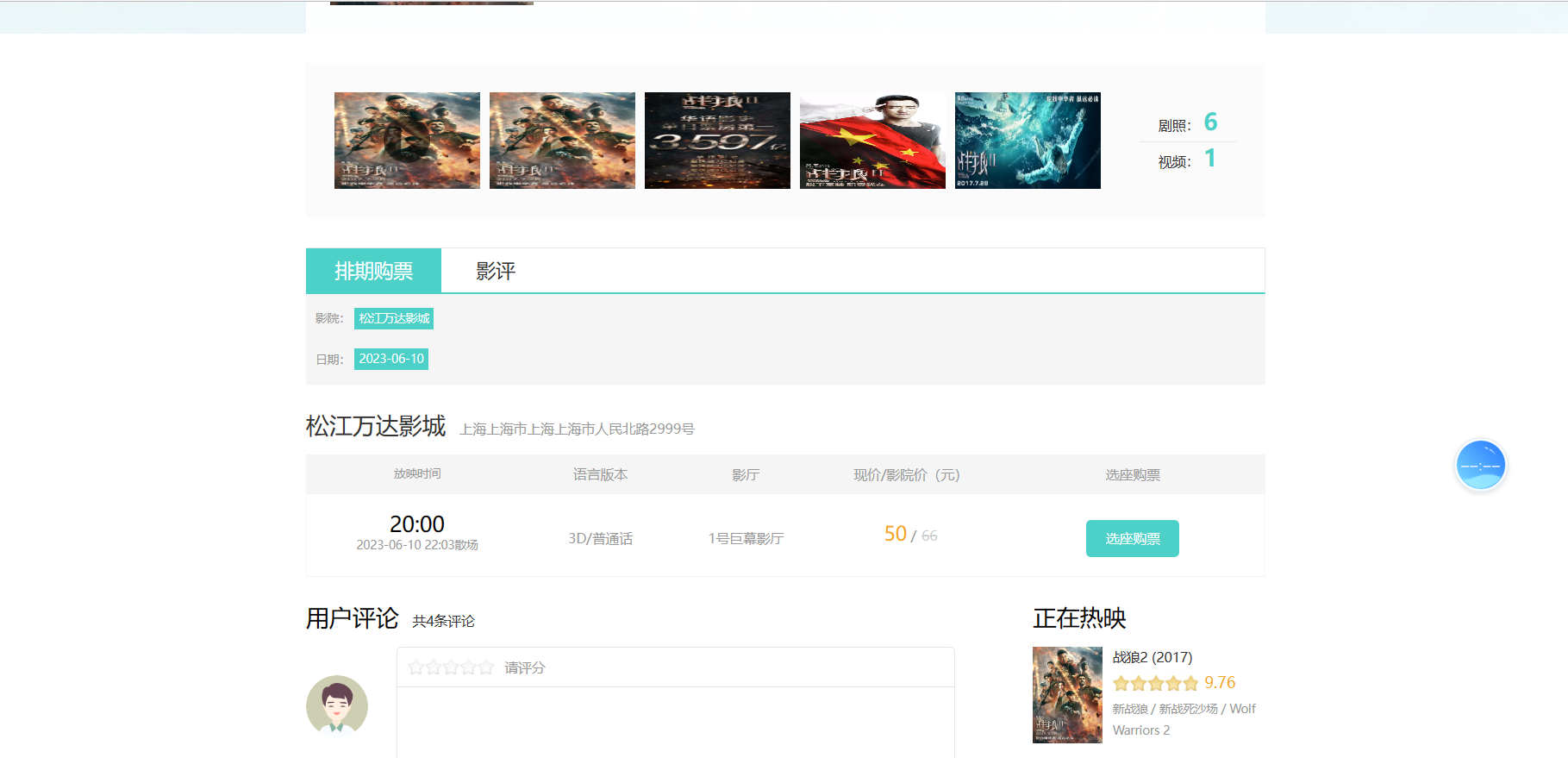
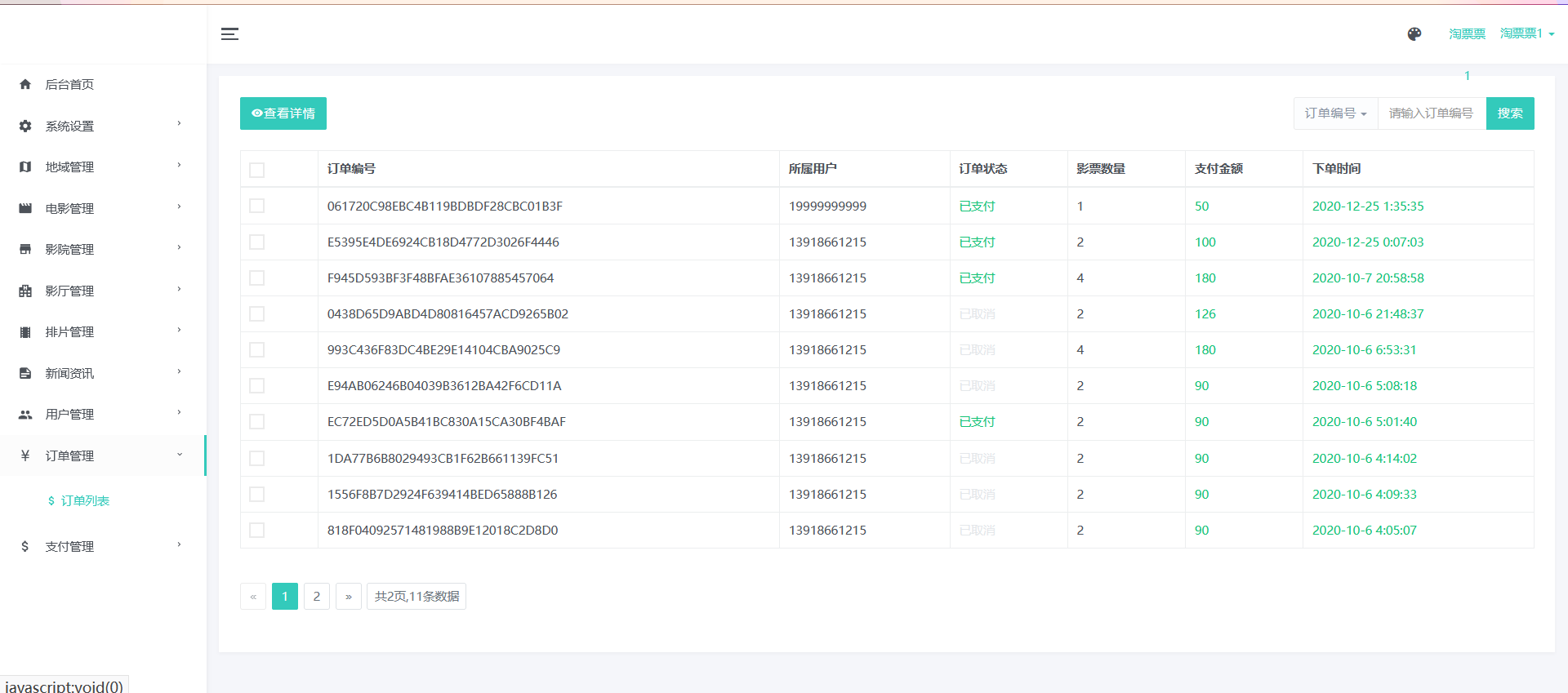
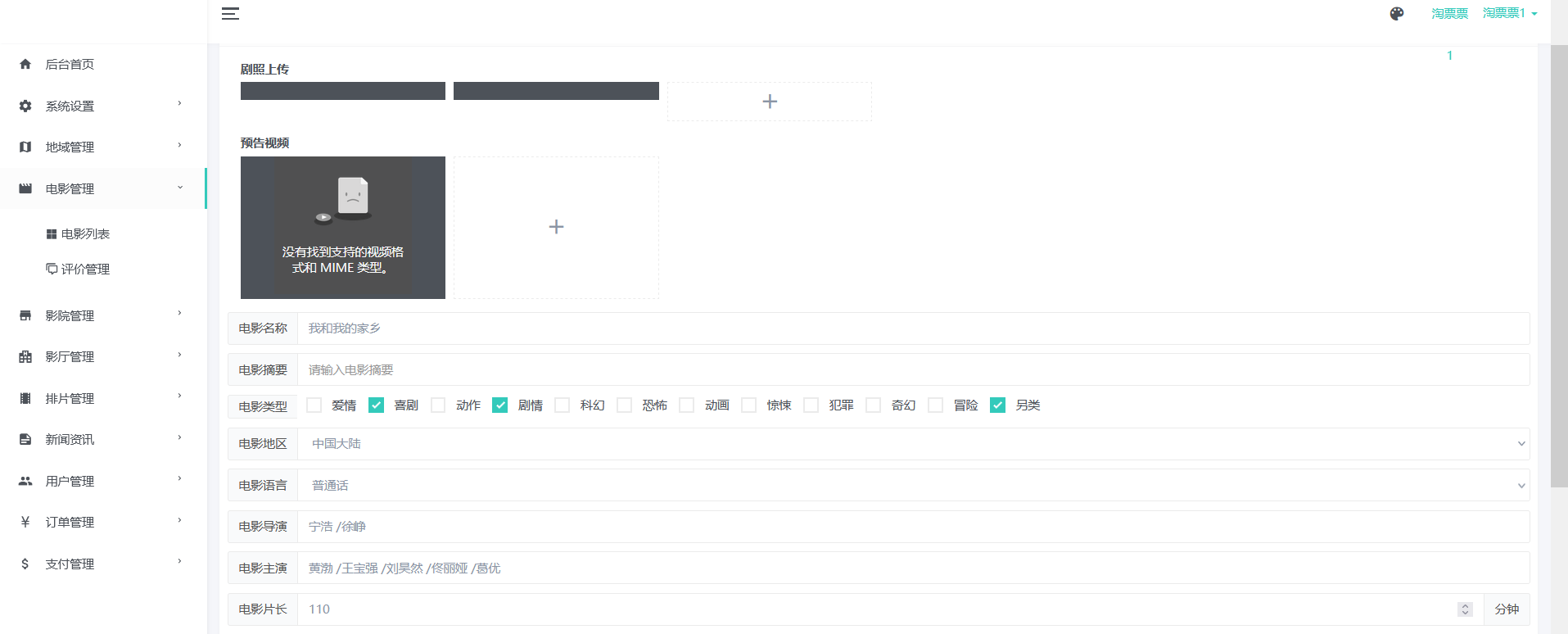
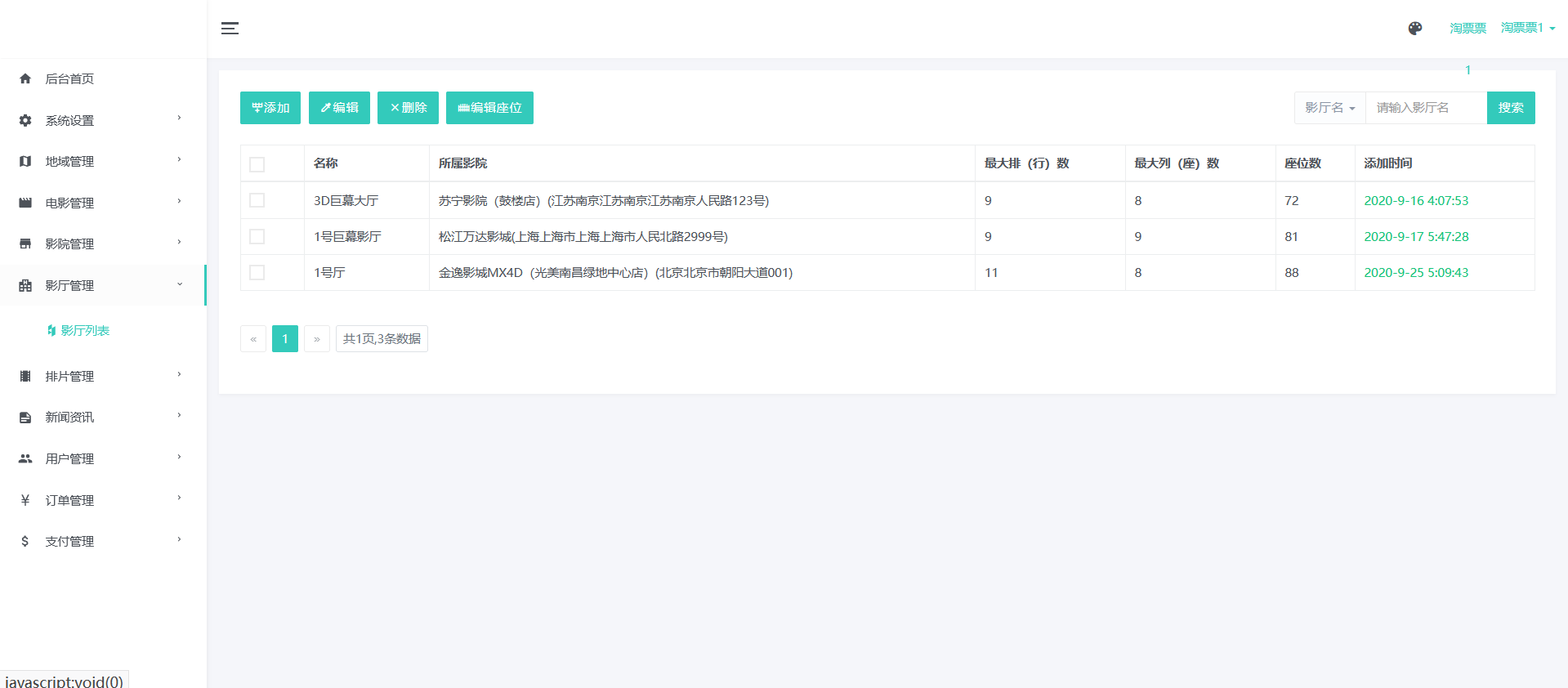
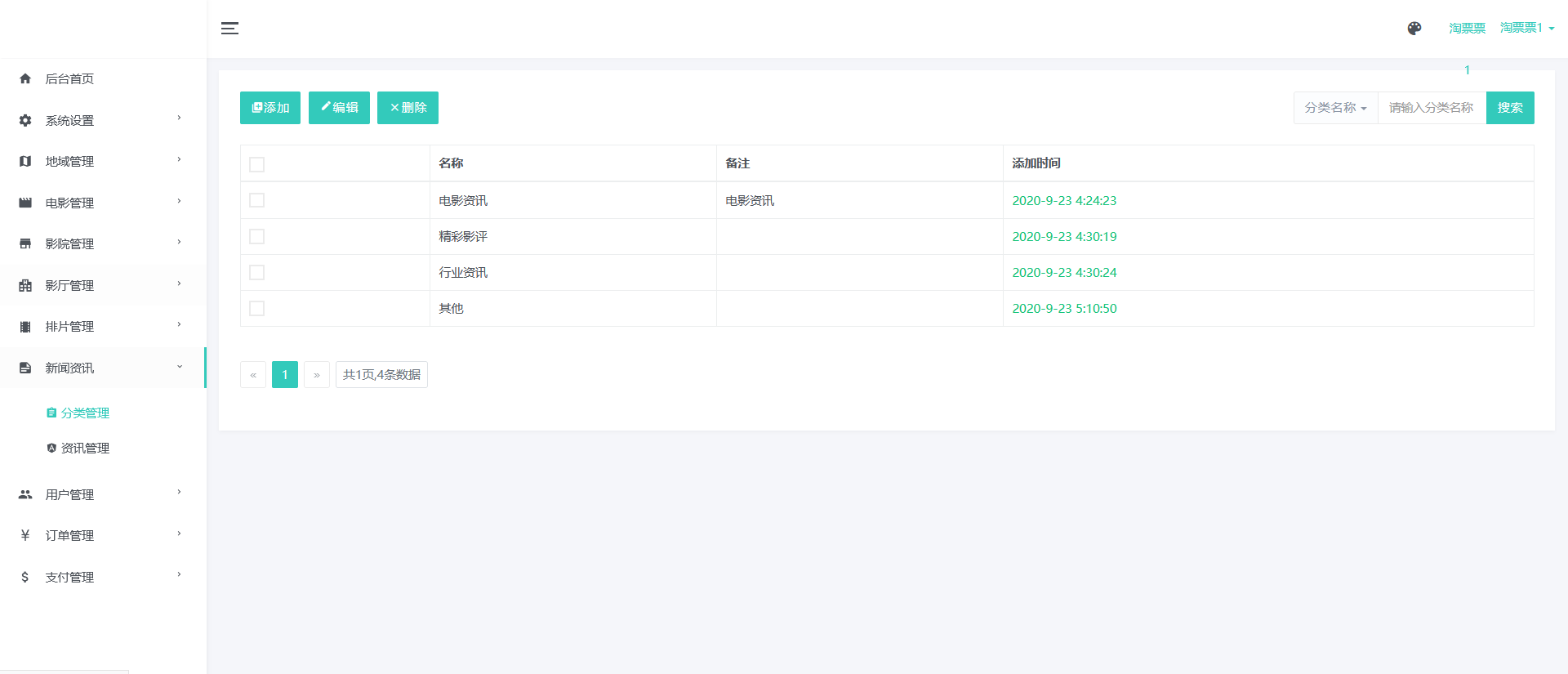
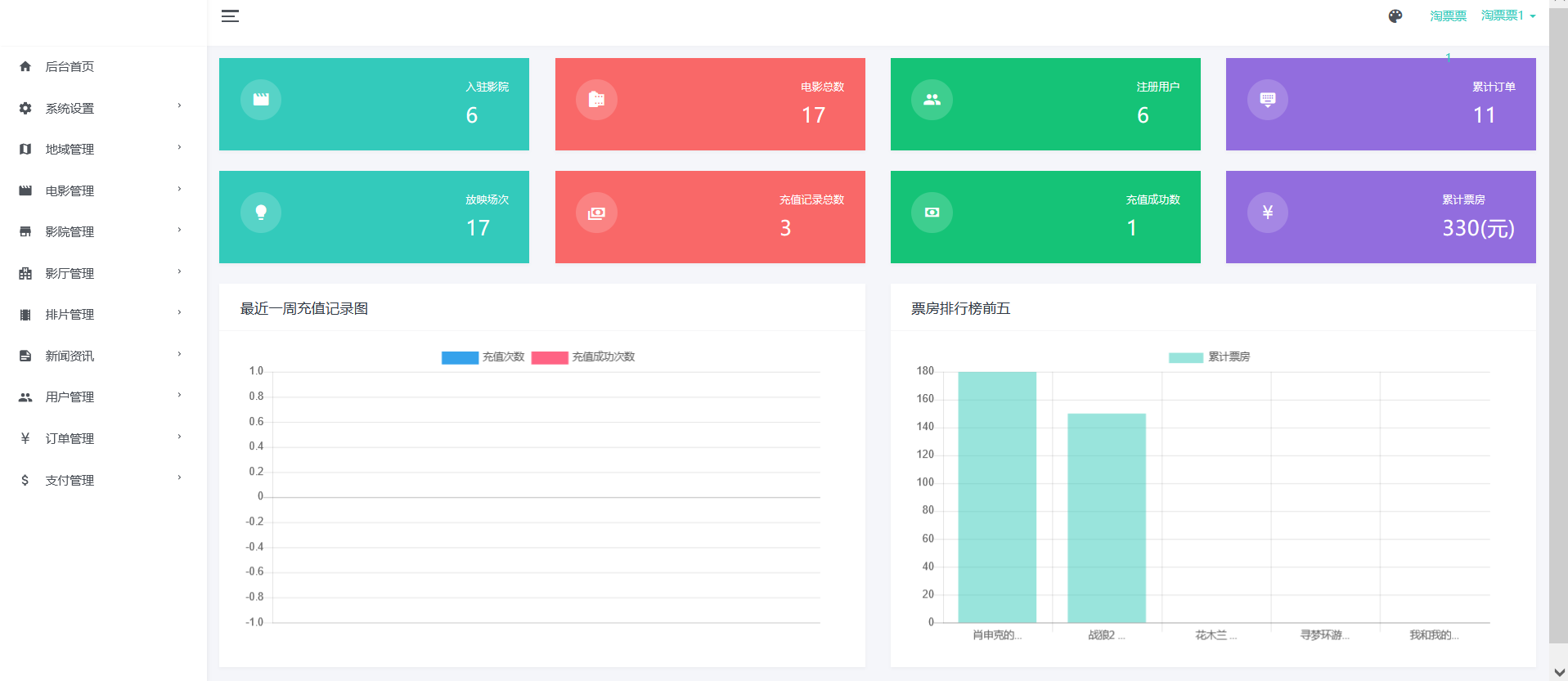
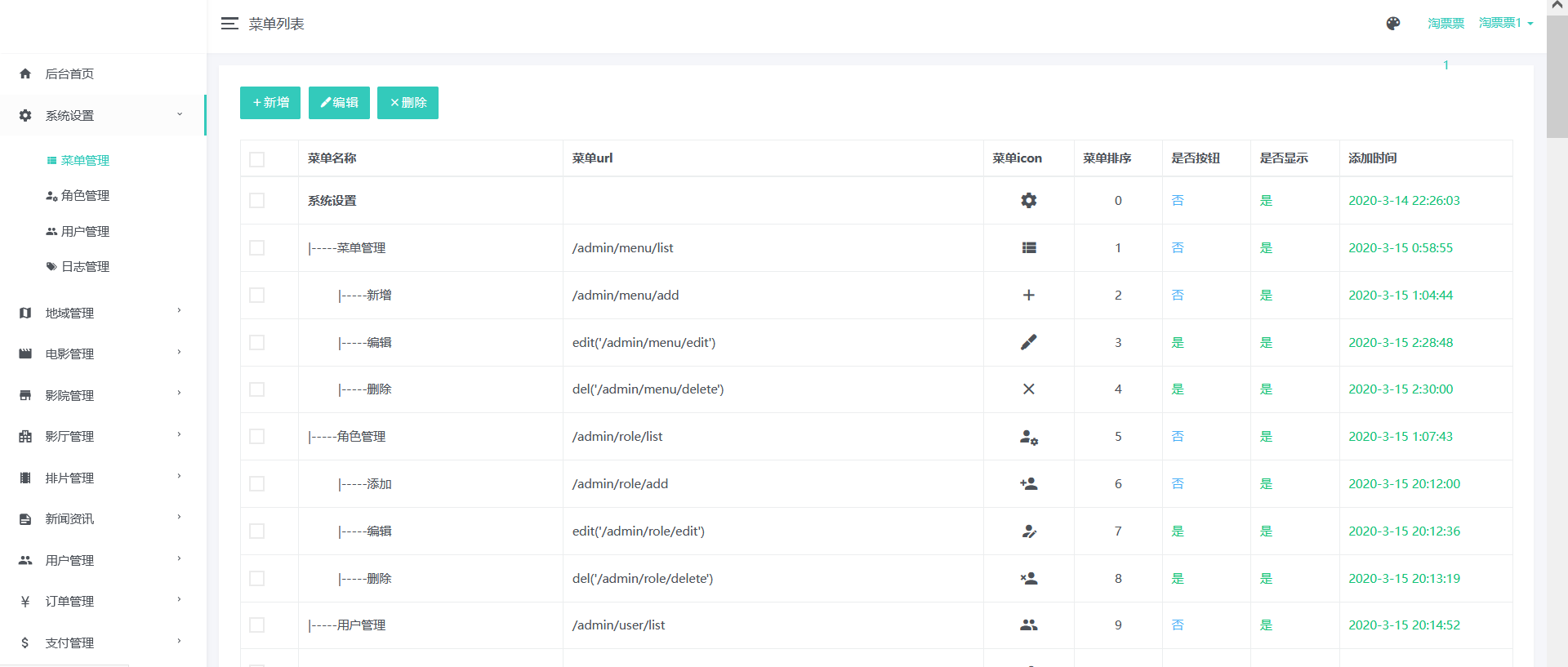
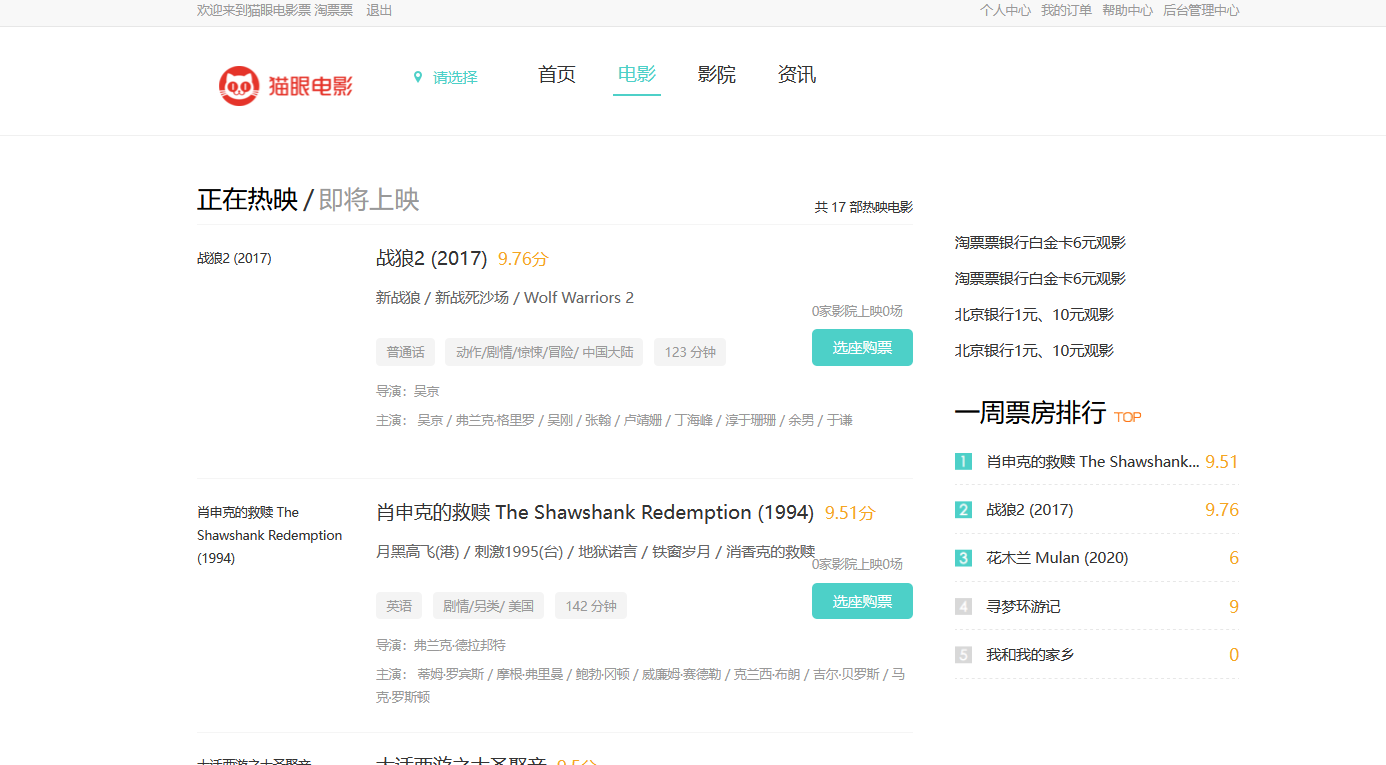
基于SpringBoot的现代化电影售票网站管理系统 源码+sql文件运行截图
## 采用技术 :- 前端:HTML + CSS + JavaScript + Bootstrap + Jquery + Ajax- 后端:SpringBoot + Html + Maven## 开发环境 :- 工具:IDEA、Navicat、Git- 环境:JDK 1.8、Tomcat 9.0、Mysql 8.0- 项目管理:-## 开发流程:1、数据库设计2、Model:模型定义,与数据库相匹配3、Dao层:数据操作4、Service:服务包装5、Controller:业务入口,数据交互6、Util:工具类封装7、Config:配置类封装8、单元测试#### 2. 管理员系统用登陆进入## 项目访问 :浏览器访问路径:http://localhost:8080/# 基于SpringBoot的现代化电影售票网站管理系统开发实践## 引言在数字化娱乐消费快速发展的今天,电影售票系统已成为影院运营的核心基础设施。本文将介绍一个基于SpringBoot+Freemarker的现代化电影售票网站管理系统开发实践,项目整合了JPA、SpringMVC、Redis等核心组件,实现从影片管理到在线选座购票的全流程功能,适合有一定Java基础的开发者参考学习。## 项目概述该系统实现了电影院线管理的核心业务模块,包含:- **影片管理**:影片信息发布、排片管理、预告片上传- **影厅管理**:影厅座位图配置、影厅类型设置- **订单系统**:在线选座购票、退票改签、订单查询- **会员体系**:会员等级、积分管理、优惠券发放- **数据分析**:票房统计、上座率分析、热门影片排行- **系统管理**:权限控制、操作日志、数据备份## 技术选型分析### 前端技术栈- **UI框架**:Bootstrap 4 + AdminLTE(后台模板)- **前端组件**:Element UI(部分模块)- **视图技术**:Freemarker(模板引擎)- **交互增强**:jQuery 3.x + Axios(AJAX请求)- **图表展示**:ECharts(数据可视化)- **座位选择**:自定义SVG座位图组件### 后端技术栈- **核心框架**:SpringBoot 2.7.x- **持久层**:Spring Data JPA + Hibernate- **缓存中间件**:Redis(用于热门场次座位锁定)- **安全框架**:Spring Security + JWT(待集成)- **消息队列**:RabbitMQ(异步处理订单通知)- **项目构建**:Maven 3.8+- **数据库**:MySQL 8.0(InnoDB引擎)### 开发环境配置```开发工具:IntelliJ IDEA Ultimate 2022.x版本控制:Git 2.35+数据库工具:Navicat Premium 16+API测试:Postman 9.x服务器:Tomcat 9.0(内置)JDK版本:1.8.0_341+```## 核心开发流程### 1. 项目初始化```bash# 使用Spring Initializr快速生成项目结构# 必选依赖:- Spring Web- Spring Data JPA- Freemarker Template- MySQL Driver- Lombok- Redis (Spring Data Redis)```### 2. 数据库设计规范**核心表结构示例**:```sql-- 影片表CREATE TABLE `movie` (`id` bigint NOT NULL AUTO_INCREMENT,`title` varchar(100) NOT NULL COMMENT '影片名称',`duration` int NOT NULL COMMENT '时长(分钟)',`director` varchar(50) DEFAULT NULL COMMENT '导演',`actors` varchar(500) DEFAULT NULL COMMENT '主演',`description` text COMMENT '影片简介',`poster_url` varchar(255) DEFAULT NULL COMMENT '海报URL',`status` tinyint NOT NULL DEFAULT '1' COMMENT '状态(1-上映中 2-即将上映 3-已下映)',PRIMARY KEY (`id`)) ENGINE=InnoDB DEFAULT CHARSET=utf8mb4;-- 场次表CREATE TABLE `show_schedule` (`id` bigint NOT NULL AUTO_INCREMENT,`movie_id` bigint NOT NULL COMMENT '影片ID',`hall_id` bigint NOT NULL COMMENT '影厅ID',`start_time` datetime NOT NULL COMMENT '开始时间',`end_time` datetime GENERATED ALWAYS AS (date_add(`start_time`, INTERVAL `duration` MINUTE)) STORED COMMENT '结束时间',`price` decimal(8,2) NOT NULL COMMENT '票价',PRIMARY KEY (`id`)) ENGINE=InnoDB DEFAULT CHARSET=utf8mb4;-- 座位表CREATE TABLE `seat` (`id` bigint NOT NULL AUTO_INCREMENT,`hall_id` bigint NOT NULL COMMENT '影厅ID',`row_num` tinyint NOT NULL COMMENT '排号',`col_num` tinyint NOT NULL COMMENT '列号',`status` tinyint NOT NULL DEFAULT '0' COMMENT '状态(0-可用 1-已售 2-维修中)',PRIMARY KEY (`id`),UNIQUE KEY `uk_hall_position` (`hall_id`,`row_num`,`col_num`)) ENGINE=InnoDB DEFAULT CHARSET=utf8mb4;```### 3. 典型分层实现**Model层示例**:```java@Data@Entity@Table(name = "show_schedule")public class ShowSchedule {@Id@GeneratedValue(strategy = GenerationType.IDENTITY)private Long id;@ManyToOne@JoinColumn(name = "movie_id")private Movie movie;@ManyToOne@JoinColumn(name = "hall_id")private CinemaHall hall;@Column(name = "start_time", nullable = false)private LocalDateTime startTime;@Transientpublic LocalDateTime getEndTime() {return this.startTime.plusMinutes(movie.getDuration());}@Column(name = "price", precision = 8, scale = 2)private BigDecimal price;@OneToMany(mappedBy = "schedule")private List tickets = new ArrayList<>();}```**Controller层示例**:```java@Controller@RequestMapping("/schedule")public class ScheduleController {@Autowiredprivate ScheduleService scheduleService;@GetMapping("/list")public String list(Model model,@RequestParam(required = false) Long movieId,@RequestParam(defaultValue = "1") Integer pageNum) {PageInfo pageInfo = scheduleService.findPage(movieId, pageNum, 10);model.addAttribute("pageInfo", pageInfo);model.addAttribute("movieList", movieService.findShowingMovies());return "schedule/list";}@PostMapping("/create")@ResponseBodypublic Result create(@Valid @RequestBody ScheduleCreateDTO dto) {scheduleService.createSchedule(dto);return Result.success();}}```### 4. 关键配置说明**application-dev.properties** 配置示例:```properties# 数据库配置spring.datasource.url=jdbc:mysql://localhost:3306/cinema_system?useSSL=false&serverTimezone=Asia/Shanghaispring.datasource.username=rootspring.datasource.password=123456# JPA配置spring.jpa.show-sql=truespring.jpa.hibernate.ddl-auto=updatespring.jpa.properties.hibernate.format_sql=true# Redis配置(用于座位锁定)spring.redis.host=127.0.0.1spring.redis.port=6379spring.redis.database=0# 文件上传配置cinema.upload.path=D:/cinema/uploads/spring.servlet.multipart.max-file-size=20MBspring.servlet.multipart.max-request-size=50MB# Freemarker配置spring.freemarker.template-loader-path=classpath:/templates/spring.freemarker.suffix=.ftlspring.freemarker.content-type=text/htmlspring.freemarker.request-context-attribute=rc```## 特色功能实现### 1. 动态座位选择组件```javascript// 基于SVG的座位图实现function renderSeatMap(hallData) {const svgNS = "http://www.w3.org/2000/svg";const svg = document.createElementNS(svgNS, "svg");svg.setAttribute("width", "100%");svg.setAttribute("height", "500px");svg.setAttribute("viewBox", `0 0 ${hallData.cols*40+100} ${hallData.rows*45+80}`);// 绘制屏幕const screen = document.createElementNS(svgNS, "rect");screen.setAttribute("x", "50");screen.setAttribute("y", "20");screen.setAttribute("width", hallData.cols*40);screen.setAttribute("height", "30");screen.setAttribute("fill", "#333");svg.appendChild(screen);// 绘制座位hallData.seats.forEach(seat => {const seatGroup = document.createElementNS(svgNS, "g");seatGroup.setAttribute("transform", `translate(${50+seat.col*40}, ${50+seat.row*45})`);const seatRect = document.createElementNS(svgNS, "rect");seatRect.setAttribute("width", "30");seatRect.setAttribute("height", "35");seatRect.setAttribute("rx", "3");seatRect.setAttribute("ry", "3");seatRect.setAttribute("class", `seat ${seat.status}`);seatRect.setAttribute("data-seat-id", seat.id);seatGroup.appendChild(seatRect);svg.appendChild(seatGroup);});document.getElementById("seat-container").appendChild(svg);}```### 2. 高并发座位锁定机制**Redis锁实现**:```java@Servicepublic class SeatLockService {@Autowiredprivate RedisTemplate redisTemplate;private static final String SEAT_LOCK_KEY = "seat:lock:schedule:%d";private static final long LOCK_EXPIRE = 300; // 5分钟public boolean tryLockSeats(Long scheduleId, List seatIds) {String key = String.format(SEAT_LOCK_KEY, scheduleId);String value = UUID.randomUUID().toString();// 使用Redis的SETNX实现分布式锁Boolean success = redisTemplate.opsForValue().setIfAbsent(key, value, LOCK_EXPIRE, TimeUnit.SECONDS);if (Boolean.TRUE.equals(success)) {// 记录锁定的座位seatIds.forEach(seatId -> {redisTemplate.opsForSet().add(key + ":seats", seatId.toString());});return true;}return false;}public void unlockSeats(Long scheduleId) {String key = String.format(SEAT_LOCK_KEY, scheduleId);redisTemplate.delete(key);redisTemplate.delete(key + ":seats");}}```### 3. 实时票房统计看板```javascript// 使用ECharts实现实时数据看板function initDashboard() {const chart = echarts.init(document.getElementById('dashboard'));const option = {tooltip: {trigger: 'axis'},legend: {data: ['今日票房', '昨日票房', '同比变化']},grid: {left: '3%',right: '4%',bottom: '3%',containLabel: true},xAxis: {type: 'category',boundaryGap: false,data: ['10:00', '12:00', '14:00', '16:00', '18:00', '20:00', '22:00']},yAxis: [{type: 'value',name: '票房(万元)',axisLabel: {formatter: '{value}'}},{type: 'value',name: '变化率',axisLabel: {formatter: '{value}%'}}],series: [{name: '今日票房',type: 'line',data: [3.2, 4.5, 6.8, 8.2, 9.5, 11.2, 12.8]},{name: '昨日票房',type: 'line',data: [2.8, 4.0, 5.5, 7.0, 8.2, 9.5, 11.0]},{name: '同比变化',type: 'line',yAxisIndex: 1,data: [14.3, 12.5, 23.6, 17.1, 15.9, 17.9, 16.4]}]};chart.setOption(option);// 定时刷新数据setInterval(() => {fetch('/api/dashboard/realtime').then(res => res.json()).then(data => {// 更新图表数据...});}, 30000);}```## 部署与运维指南### 1. 项目打包部署```bash# 使用Maven打包mvn clean package -DskipTests -Pprod# 运行jar包(生产环境)nohup java -jar target/cinema-system-1.0.0.jar \--spring.profiles.active=prod \--server.port=8080 \>> /var/log/cinema/app.log 2>&1 &```### 2. Nginx反向代理配置```nginxserver {listen 80;server_name tickets.example.com;# 静态资源缓存location ~* \.(jpg|jpeg|png|gif|ico|css|js)$ {expires 30d;access_log off;add_header Cache-Control "public";}# API代理location /api/ {proxy_pass http://127.0.0.1:8080/api/;proxy_set_header Host $host;proxy_set_header X-Real-IP $remote_addr;proxy_set_header X-Forwarded-For $proxy_add_x_forwarded_for;}# 前端路由重写(支持HTML5 History模式)location / {try_files $uri $uri/ /index.html;root /var/www/cinema/dist;index index.html;}}```### 3. 常见问题排查1. **座位锁定超时问题**:- 检查Redis连接配置是否正确- 调整`spring.redis.timeout`参数- 监控Redis内存使用情况2. **支付回调失败**:- 确保支付网关IP在服务器白名单中- 检查异步通知URL配置是否正确- 实现支付回调重试机制3. **数据库连接池耗尽**:- 调整`spring.datasource.hikari.maximum-pool-size`- 检查慢查询日志优化SQL- 考虑使用读写分离架构## 扩展建议1. **微服务改造**:- 使用Spring Cloud Alibaba拆分服务- 引入Nacos作为配置中心和服务发现- 使用Sentinel实现流量控制2. **性能优化**:- 添加Elasticsearch实现影片搜索- 使用MongoDB存储日志数据- 实现CDN加速静态资源3. **功能增强**:- 集成第三方支付平台(微信、支付宝)- 添加小程序购票入口- 实现VR全景影厅展示## 结语本系统通过SpringBoot快速搭建企业级应用架构,结合Freemarker模板引擎实现高效开发,使用JPA简化数据访问层代码,Redis处理高并发场景。项目结构清晰,符合现代Java开发规范,既适合作为学习项目,也可作为商业影院系统的起点进行二次开发。